 Hudoori
Workplace Safety: Building an Incident Reporting System That Works
Workplace safety starts with easy reporting: an incident or hazard reported with a photo and location in under a minute, then followed up until closed. A practical guide to building a real reporting culture on sites and in factories.
Safety signs alone do not make a site safe. What does is a system that makes reporting any hazard quick and easy, with clear follow-up until it is closed. Serious accidents are usually preceded by small hazards someone saw and never reported, because reporting was a hassle, they did not know who to tell, or they reported once and nothing changed.
Here is how to build a simple reporting system that actually works in factories, construction sites, maintenance teams and warehouses.
Why workers stay silent
The same reasons show up on most sites:
- Reporting is a chore: a paper form in the office, or a call to a supervisor who may not answer.
- Language barriers: a worker who speaks Urdu or Bengali cannot explain what they saw in Arabic.
- Fear of blame: they assume the report will come back on them or a colleague.
- No follow-up: the exposed cable they reported last month is still there.
Each has a practical fix.
Three kinds of reports to accept
Do not limit reporting to injuries after the fact. A good system takes:
- Injuries: cuts, falls, burns, strains, any harm to a person at work.
- Incidents without injury: a dropped load, equipment collision, a leak, a small fire brought under control.
- Hazards: something that has not happened yet but could, such as unsecured scaffolding, an expired extinguisher, a blocked walkway or a worker without protective gear.
The third type matters most and is the most neglected, because it prevents the accident altogether.
What a good incident report contains
- What happened: a short, plain description.
- Where: the exact location, ideally captured automatically by the phone.
- When: date and time.
- A photo: it replaces a paragraph and records the scene before it changes.
- Who was affected, if anyone was injured.
- Severity: low, medium or high, so the responsible person knows what to tackle first.
If a worker can send this from their phone in a minute, standing where it happened, you have removed the biggest obstacle.
From report to closure
A report nobody follows up is worse than no system, because it teaches people that reporting is pointless. Use a simple cycle:
- Receive: the report reaches the responsible person immediately.
- Act urgently: first aid, isolate the area, stop the equipment if needed.
- Assign an owner and a deadline to fix the root cause.
- Fix and document: an after photo proves the problem is gone.
- Close and tell the reporter what was done.
That last step is small but decisive. A worker who sees their report closed with a real fix will report again.
Example: a warehouse worker spots a leaning rack, photographs it and sends a report. The supervisor assigns a technician to secure it the same day, attaches an after photo and closes the report. A hazard handled before it became an injury.
Work injuries also have official reporting procedures, authorities and deadlines, so do not treat your internal system as a substitute. For details, check with HRSD and your company's work regulations.
The injury-free days counter, used wisely
An "injury-free days" counter is simple and powerful: everyone sees it and feels part of the number. But if the counter becomes a target with rewards attached, people may hide minor injuries to keep it running.
- Reward preventive reports and their resolution, not just the absence of reports.
- Make reporting an injury a duty; hiding one is the violation.
- Review reports monthly: where do hazards repeat, and which tasks or equipment are riskiest?
- Feed what you learn into training and onboarding.
If your teams are spread across sites, see field employee tracking.
How Hudoori helps
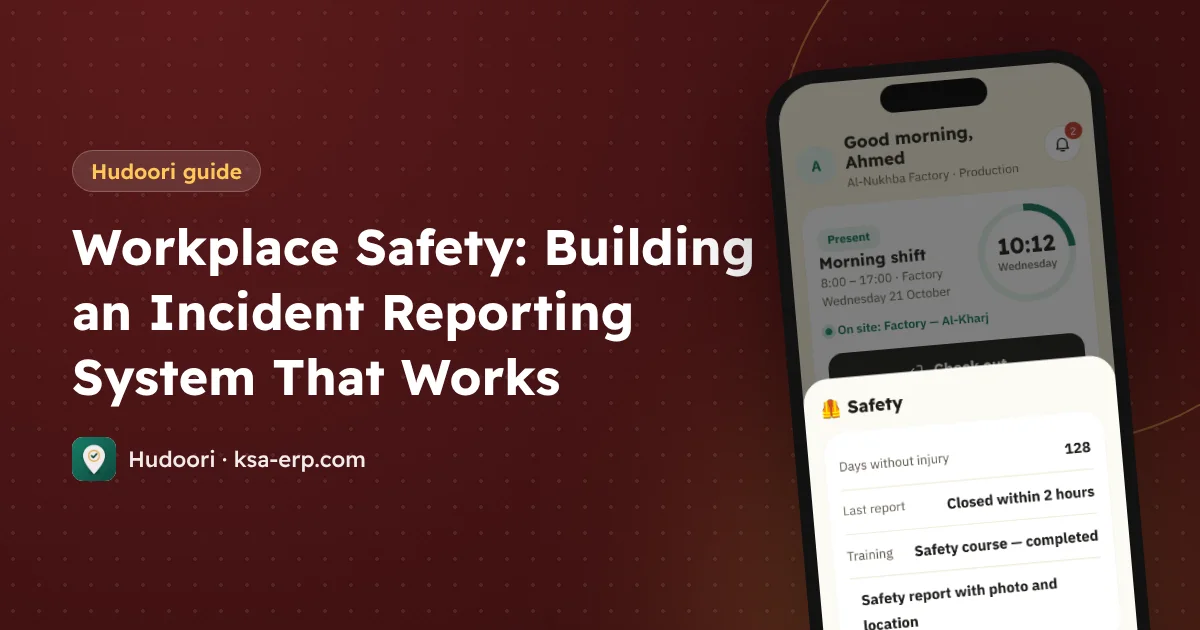
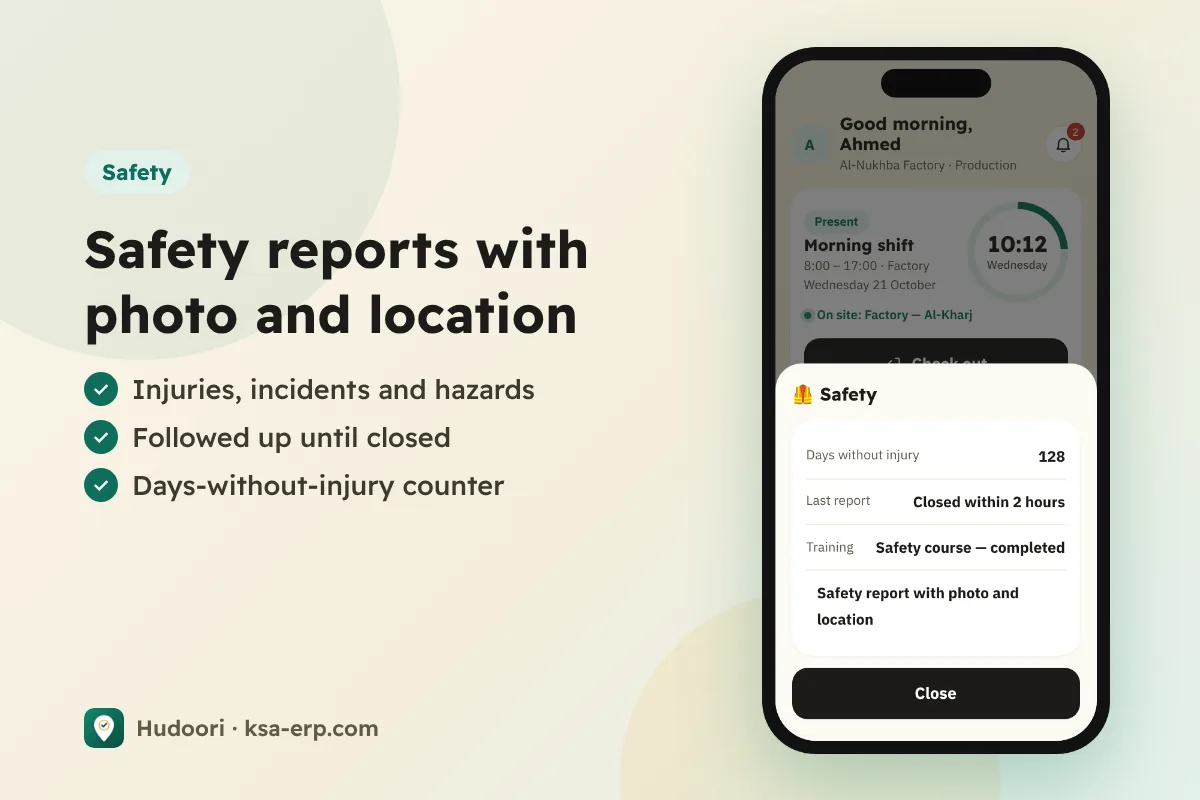
Hudoori has a safety section inside the same employee app used for attendance, so workers need no extra app. They send an injury, incident or hazard report with photo and location, the responsible person follows it until closed, and everyone sees the injury-free days counter.
The app runs in six languages, including Urdu, Hindi and Bengali, and in-app chat translates messages automatically between supervisor and worker. More on that in multilingual workforce communication. Corrective actions can also become field tasks with a deadline and photo proof.
FAQ
What is the difference between an incident and a hazard?
An incident has happened, with or without injury. A hazard has not happened yet but could if left alone.
Does an internal system replace official injury reporting?
No. Internal reporting is for follow-up and prevention; official reporting has its own procedures.
How do I get workers to report?
Make it easy from the phone and in their language, close every report, and thank preventive reporters publicly.
Summary
Workplace safety is a system before it is a slogan: easy reporting with photo and location, hazards included alongside injuries, follow-up to closure, and a culture that thanks the reporter. Start this week by naming one person to receive and follow up reports. To see how it works on your sites, request a free trial.