 Hudoori
Mobile Attendance System: A Complete Guide for Saudi Businesses
A mobile attendance system lets employees clock in from their own phone, but only inside the work location and with a live selfie. This guide explains how it works, who it suits, and how to roll it out.
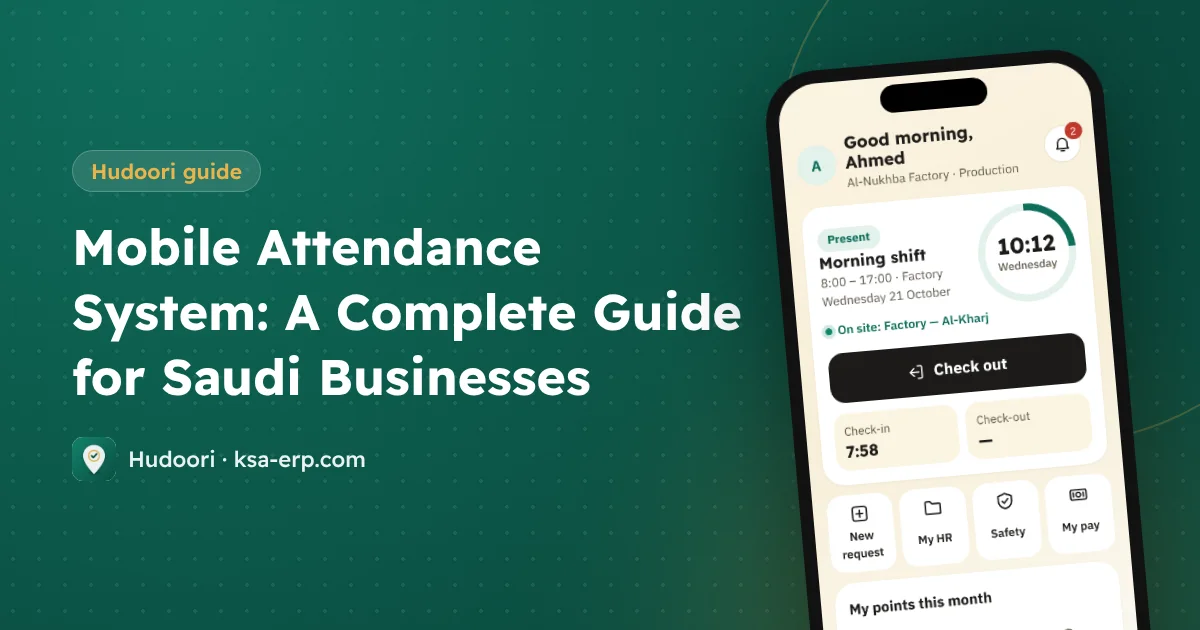
A mobile attendance system lets employees clock in and out from their own phone, as long as they are inside the geofence of their work location and take a live selfie straight from the camera. No fingerprint device, and lateness and absence are calculated automatically.
How mobile attendance works
A typical day looks like this:
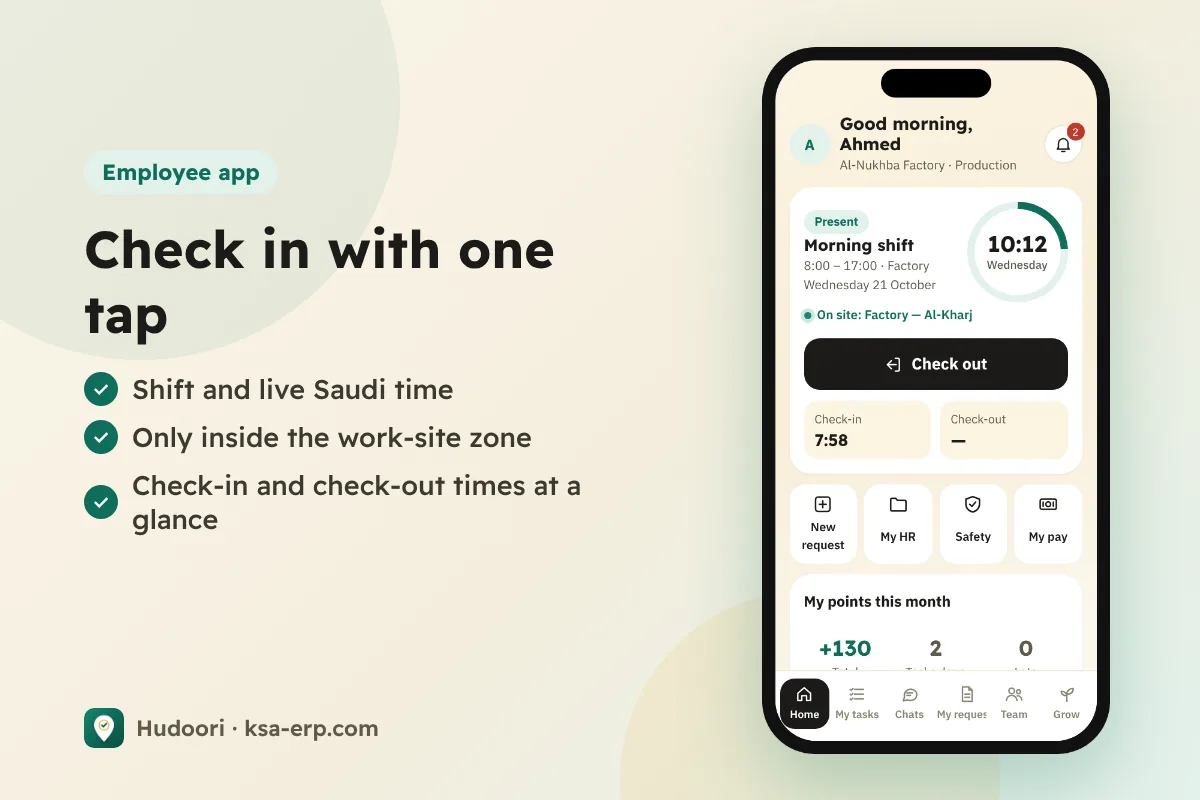
- The employee opens the app on arrival and sees today's shift and start time.
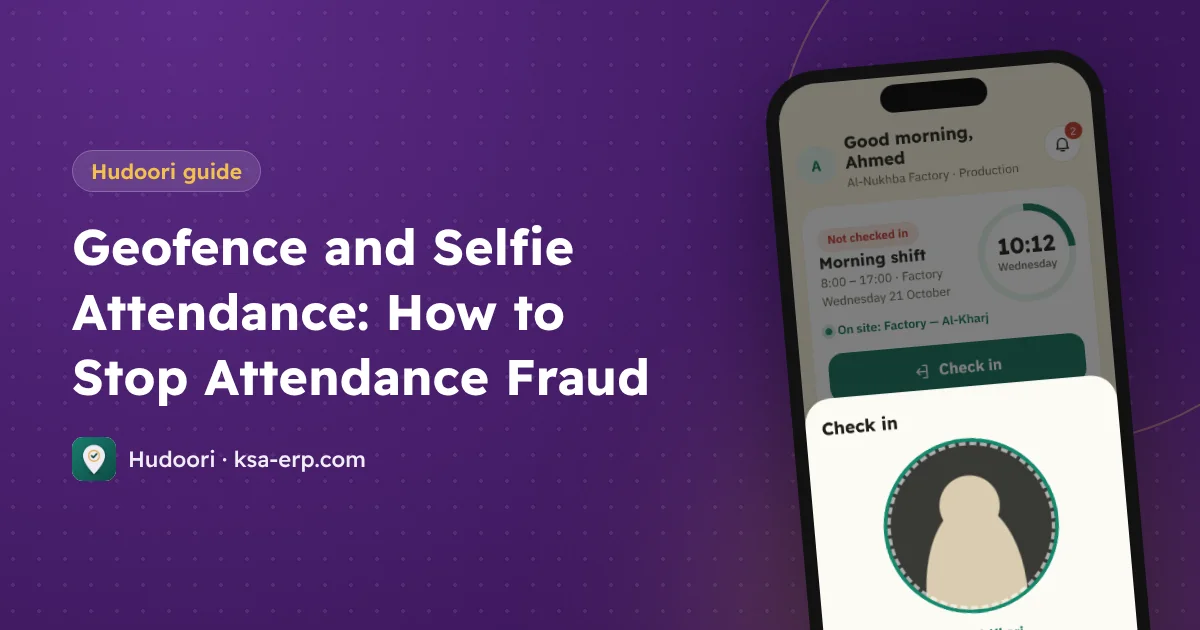
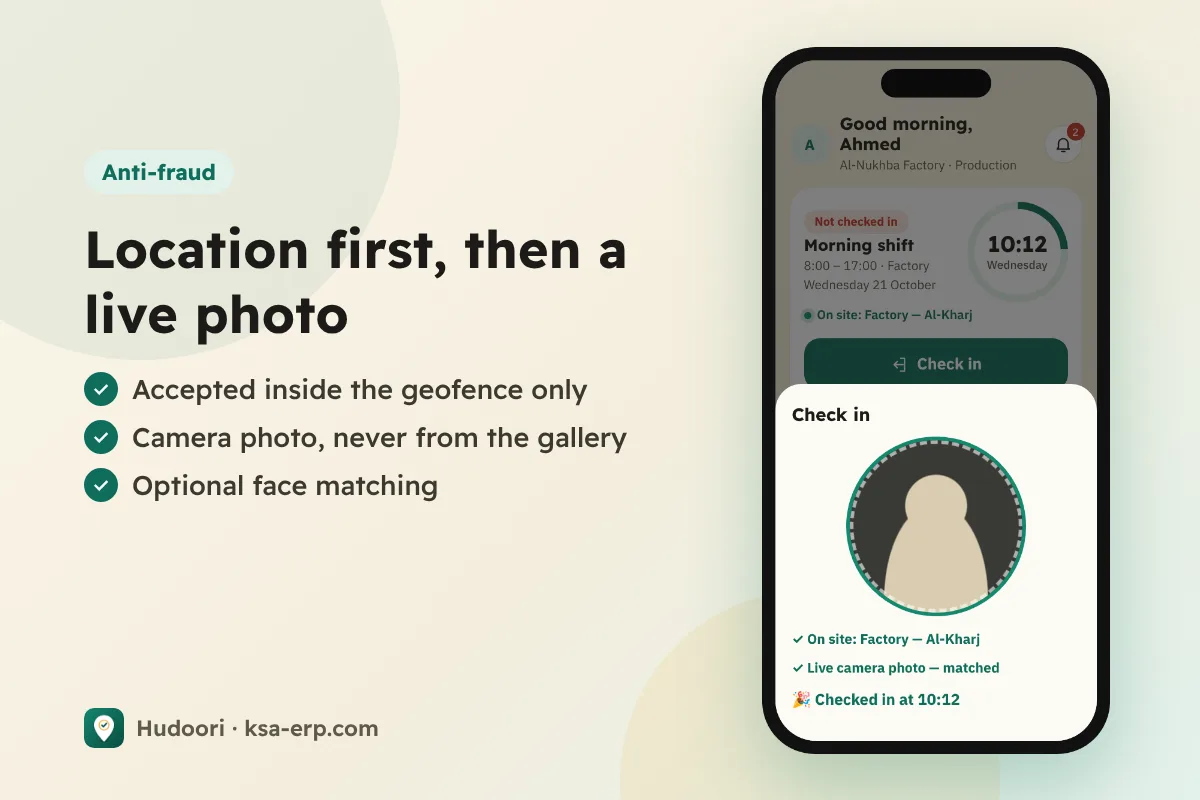
- The system checks location: is the phone inside the geofence for this branch or project? If not, the check-in is rejected.
- A live selfie is taken from the camera. Picking a photo from the gallery is not allowed.
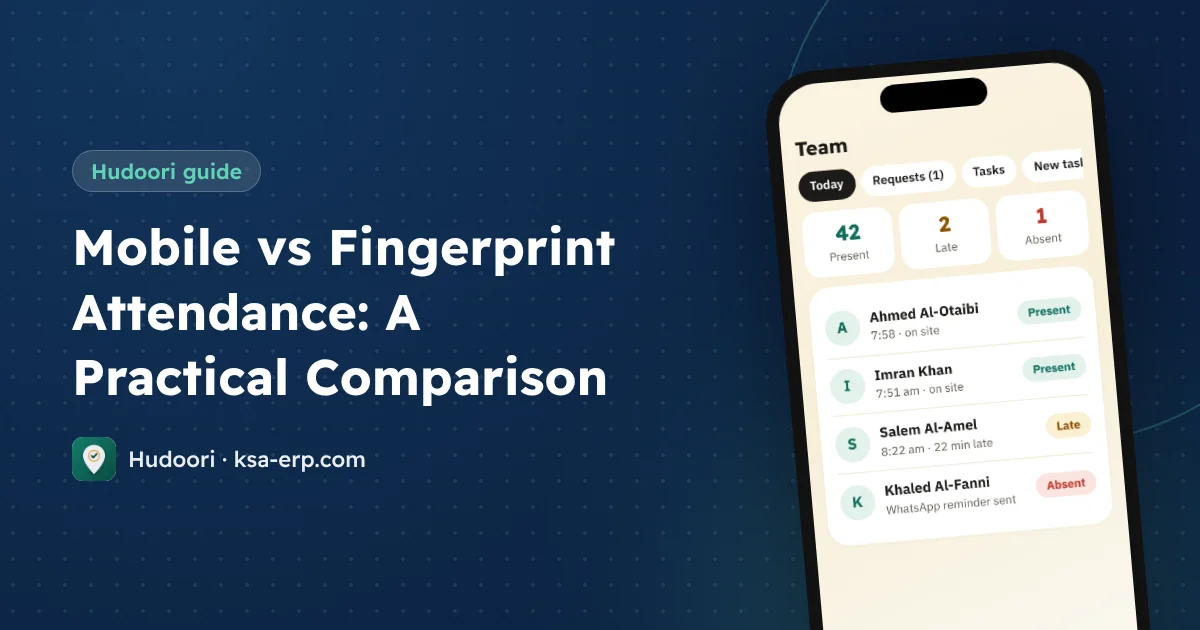
- The record is saved with its real time and appears instantly on the manager's dashboard as present, late, or absent.
- At the end of the shift, the same steps record check-out, so actual working time is compared with the shift.
The system then calculates minutes late, early departures, absences, and overtime, the numbers payroll is built on.
Why Saudi businesses are moving to mobile attendance
Fingerprint devices suit a single office with one door, not branches, moving project sites, and crews on the road. We compare the two approaches in detail in mobile vs fingerprint attendance.
The reasons owners mention most:
- No devices, no wiring: nothing to install or repair.
- A geofence per site: adding a branch or project means drawing it on a map, not buying hardware.
- Live visibility: managers see who is in, late, or absent right now, not at month end.
- Automatic calculation based on each employee's shifts and breaks.
- Works offline: in warehouses or low-coverage sites, check-ins are stored on the phone and sent with the correct time once the connection returns.
What about cheating?
What stops someone clocking in for a colleague, or from home? Layered protection:
- Geofencing blocks check-ins outside the site.
- Live camera selfies block old photos.
- Strict verification (optional) matches the face against a reference photo and asks for a head turn as a liveness check. Doubtful cases go to the manager's "Awaiting your decision" list.
We cover these layers, and the privacy side, in geofence and selfie attendance.
Who it suits
The value is clearest for:
- Contracting and projects with crews spread across changing sites.
- Maintenance and operations technicians moving between customer locations.
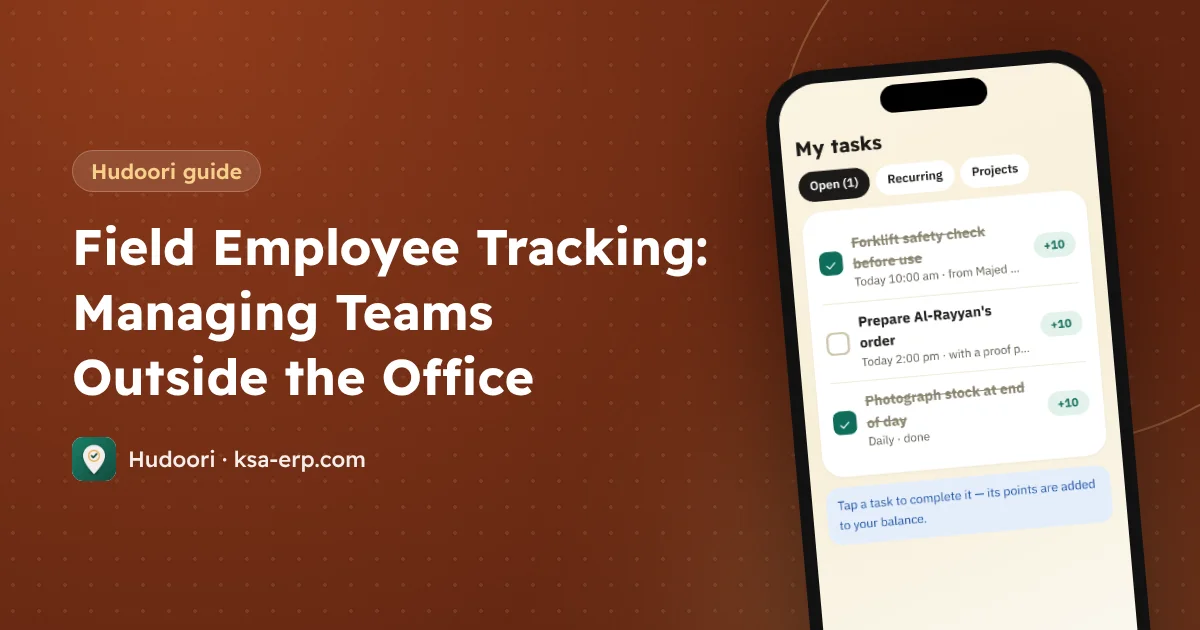
- Sales teams who are out most of the day; see field employee tracking.
- Restaurants, shops, and small branches where a device per branch isn't worth it.
- Factories and warehouses with multiple shifts.
Rolling it out in your business
- Define your sites, each with a geofence sized to the location.
- Set shifts and breaks per employee.
- Import employees from Excel, then double-check phone numbers.
- Send activation links by WhatsApp so employees can start immediately.
- Run a parallel week alongside your old method and compare results.
- Configure deduction rules once the data is trusted, in line with your approved work regulations. See absence and lateness deductions.
How Hudoori handles it
Hudoori covers the full cycle from the employee's phone to the payslip. Employees use the Android app or open it in their phone browser; managers work from any browser. The app is available in six languages: Arabic, English, Urdu, Hindi, Bengali, and Turkish.
Before anyone is marked absent, an automatic WhatsApp reminder goes out from the company number. Attendance then flows into payroll deductions and overtime, with a Mudad wage-protection file, as explained in payroll from attendance.
Frequently asked questions
Does the employee need internet all the time?
No. Offline check-ins are saved on the phone with their real time and sent automatically when the connection returns.
What if an employee doesn't have an Android phone?
They can open the system in their phone browser as a web app and check in the same way.
Is it compliant with the Saudi Labor Law?
Calculations follow the settings your business defines. For details, refer to the Ministry of Human Resources (HRSD) and your approved work regulations.
Conclusion
Mobile attendance is a clearer way to run working hours: a geofence for every site, a live selfie as proof, and automatic calculations that feed payroll. Run one test week and judge for yourself. To see it on your own business, request a free trial of Hudoori and get started in minutes.