 Hudoori
Geofence and Selfie Attendance: How to Stop Attendance Fraud
Stopping attendance fraud takes layers, not a single tool: geofencing, live camera selfies, and face matching with liveness when needed. Here is how each layer works and how to set it up while respecting privacy.
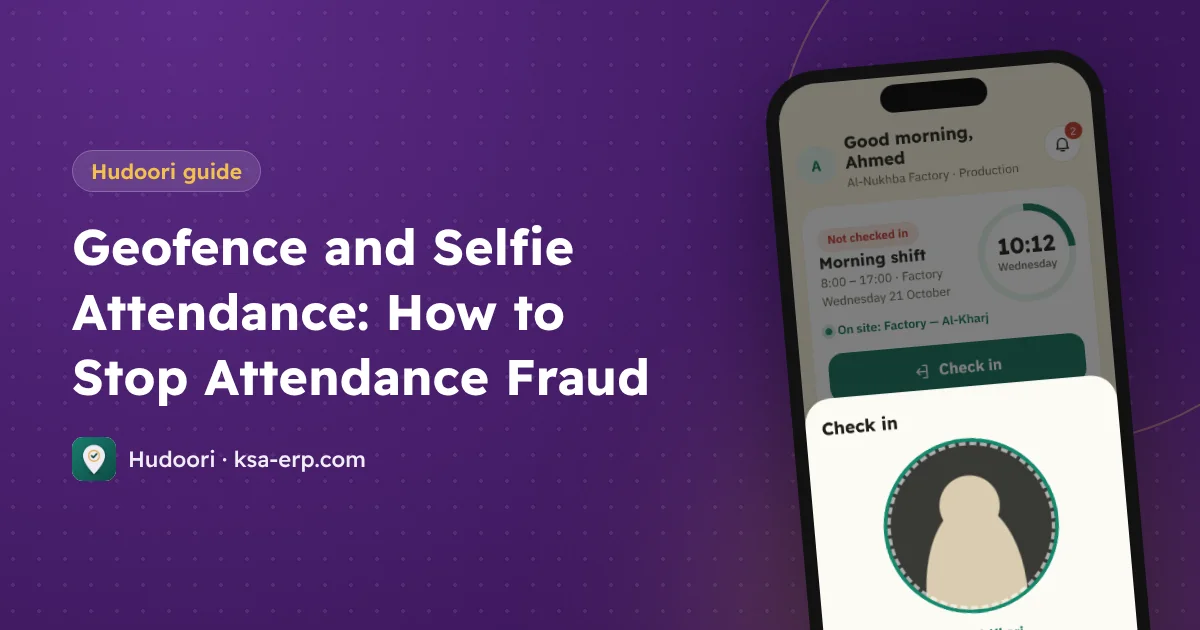
To stop attendance fraud on mobile you need three layers working together: a geofence that rejects check-ins outside the site, a live selfie taken straight from the camera, and face matching with a liveness check where it is needed. Each layer closes a gap the others leave open, and applying them fairly matters as much as the technology.
Common forms of attendance fraud
Know what you are trying to prevent:
- Buddy punching: a colleague clocks in for someone who is absent.
- Clocking in from home or the road before actually arriving.
- Old photos uploaded instead of a real one.
- Changing the phone's clock to look on time.
- Clocking in and leaving the site.
Each needs a different fix, which is why one tool isn't enough.
Layer one: a geofence per site
A geofence is a circle on the map around a work site; check-ins are accepted only inside it. This tackles clocking in from home or the road.
- One geofence per site: head office, warehouse, and every project.
- Size it sensibly: too tight rejects people who are present because of GPS accuracy; too wide accepts someone standing down the street.
- Update moving sites: add a new project's geofence before day one.
Layer two: live camera selfies
Location doesn't prove who holds the phone. A live selfie does: the employee takes a photo at check-in, directly from the camera, with no gallery option.
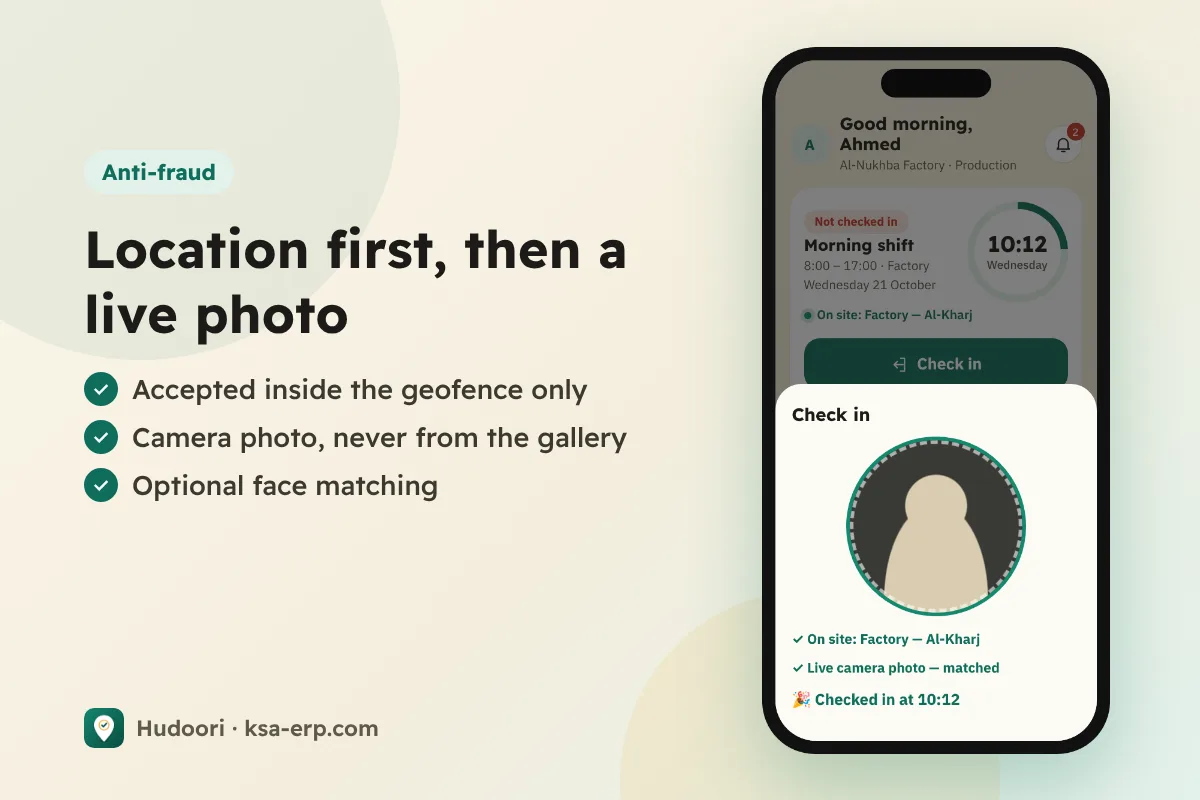
This makes buddy punching much harder, since the person actually present appears in the record. It also deters: most people won't try to cheat when they know the photo is stored.
Layer three: face matching and liveness
With large teams, nobody can review every photo. That is where strict verification helps:
- Face matching compares the check-in photo with a reference photo.
- Liveness check asks for a head turn, proving a real person, not a printout or screen.
- Doubtful cases are neither auto-rejected nor auto-accepted. They go to the manager's "Awaiting your decision" list.
This matters: employees aren't penalized for bad lighting or a weak camera. A human makes the call.
Offline check-ins and clock tampering
Offline support doesn't have to open a loophole. In low-coverage sites, check-ins and locations are stored on the phone and sent with the correct time when the connection returns. The key is relying on trusted time, not the phone's editable clock.
Clocking in and leaving is handled by requiring check-out inside the geofence too, and for field teams by tracking during working hours only, as covered in field employee tracking.
Privacy: protecting both sides
Employees who feel spied on resist; employees who understand the limits cooperate.
- Location is checked at check-in only, unless you enable field tracking during working hours with the employee's consent.
- A clear privacy notice explaining what is collected and why.
- Photos are for verification only, with access controlled through user permissions.
- Data security: encrypted connections, each company isolated, encrypted backups.
How Hudoori applies these layers
Hudoori combines all three: a geofence per site or branch, live camera selfies, and optional strict verification with face matching and a head turn, plus an "Awaiting your decision" list for managers. The app works offline and sends records with the correct time.
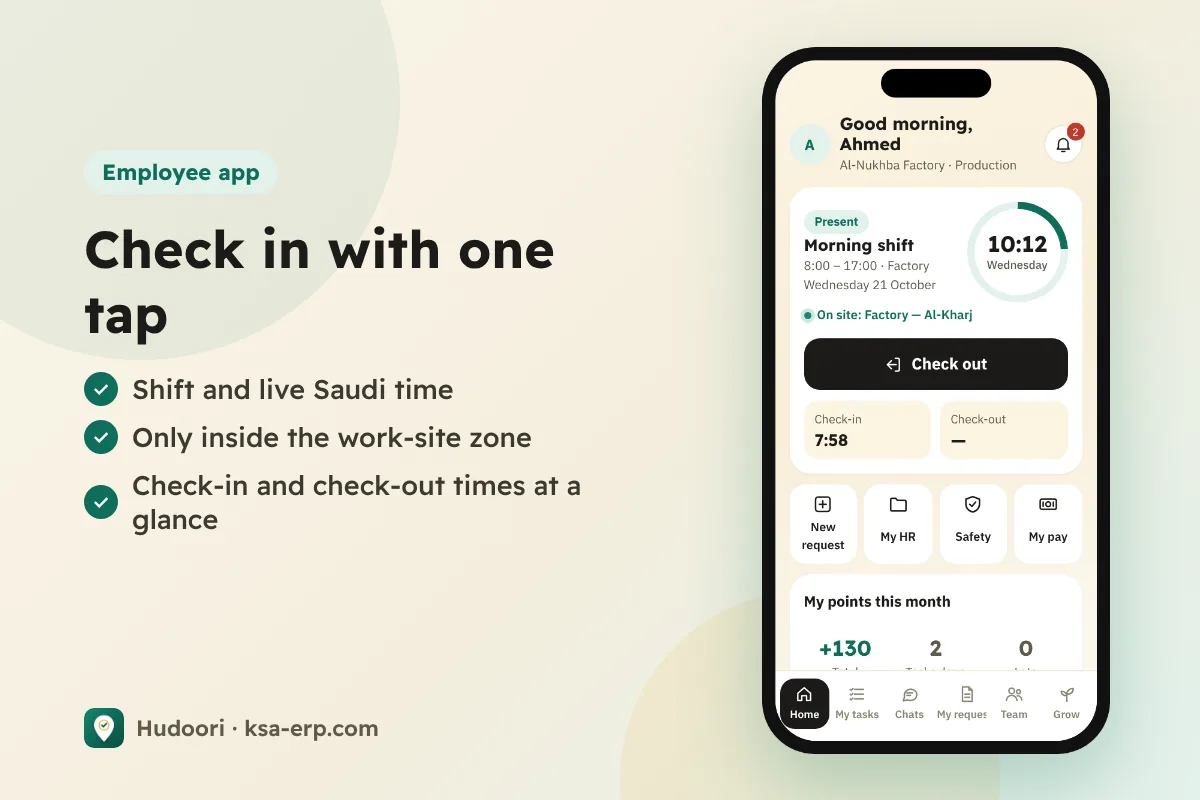
The result is attendance data you can trust, which you need before linking it to any deduction; see absence and lateness deductions. For the full picture, read the mobile attendance system guide.
Frequently asked questions
Can GPS spoofing apps fool the geofence?
That's why location is never used alone. The live selfie and face matching make location spoofing insufficient.
Will a selfie be rejected in poor lighting?
With strict verification, doubtful cases go to the manager instead of being auto-rejected.
Can a business require a selfie at check-in?
Set it out clearly in company policy with employee consent. For details, refer to HRSD and your approved work regulations.
Conclusion
Location proves the place, the selfie proves the person, and face matching settles hard cases, all with clear privacy rules. Start with the first two layers and add the third where needed. To try it with your team, request a free trial of Hudoori.