 Hudoori
Field Employee Tracking: Managing Teams Outside the Office
Managing field teams in contracting, maintenance, sales, and security takes visibility without spying. Learn how to track teams during working hours only, document work with photos, and keep employee trust.
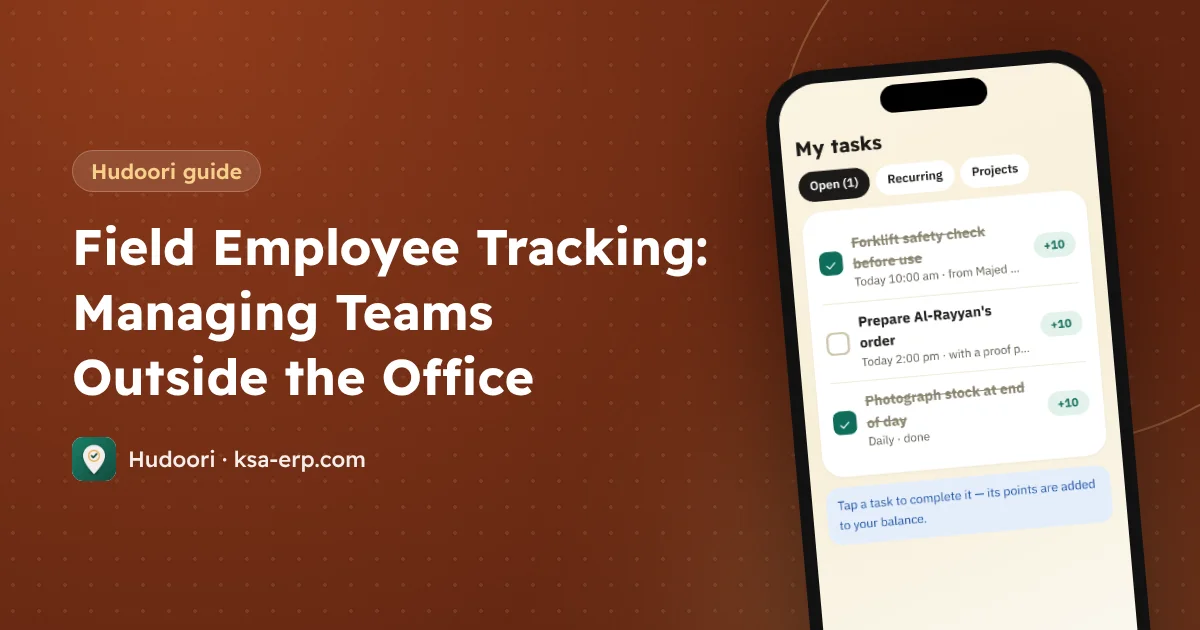
Field employee tracking means knowing where your teams are and what they completed during working hours, not monitoring their private lives. The right approach combines three things: check-in from the actual work site, map tracking during working hours only with employee consent, and photo-documented tasks. That replaces "where are you now?" calls with clear data.
Why field teams are harder to manage
You can see office staff. A technician moving between customers, a crew at a remote project, or a sales rep visiting ten shops a day is known only through what they tell you. The result:
- Unclear start times: did the technician reach the first site at 8 or 10?
- Disputed work: the customer says the job wasn't done; the technician says it was.
- Coordination overhead: repeated calls to find who is closest to an urgent job.
- No fairness: hard workers and slackers look the same at month end.
Who needs field management?
- Contracting: crews spread across several projects.
- Maintenance: HVAC, electrical, and plumbing technicians moving between customers.
- Sales reps making daily visits.
- Security guards at multiple sites and rotating shifts.
- Delivery and logistics drivers on the road.
Each needs something different: guards need proof of presence at a fixed site, reps need a record of movement, technicians need proof of work.
Foundation one: check in at the real site
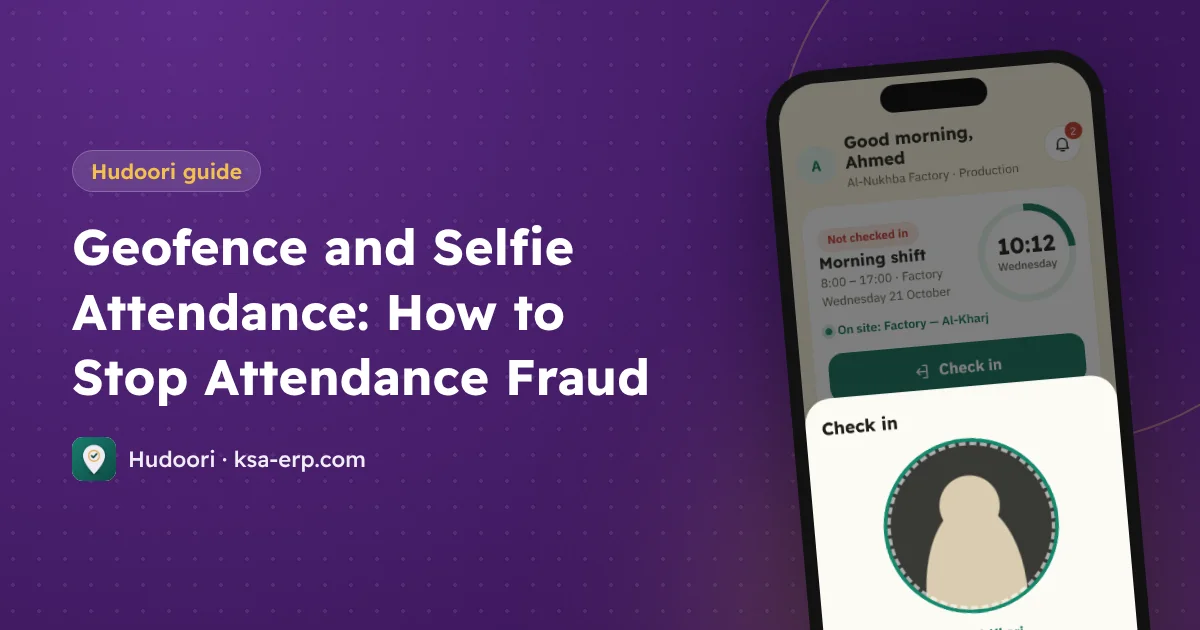
Employees should check in at the site where they work today, not at head office. Each site has a geofence, and check-ins are accepted only inside it with a live selfie. See geofence and selfie attendance.
At remote low-coverage sites, check-ins and locations are stored on the phone and sent with the correct time once the connection returns.
Foundation two: tracking during working hours only
For mobile teams like reps and technicians, check-in isn't enough. Map tracking helps, with clear rules:
- Working hours only: it starts at check-in and ends at check-out.
- Privacy notice and consent: employees know what is collected and why, and agree.
- A daily log per employee: review where they were, when they arrived, and how long they stayed, instead of watching a dot all day.
- Limited permissions: not every user needs to see everyone's movements.
Tracking that feels fair raises discipline. Tracking that feels like spying raises resignations.
Foundation three: photo-documented tasks
Location tells you where someone was, not what they did. Tasks fill that gap:
- Scheduled tasks: "Service the AC units at the Olaya branch before 12."
- Photo on completion, ending disputes with customers.
- Recurring tasks for weekly rounds or monthly inspections.
- Progress tracking per employee and team.
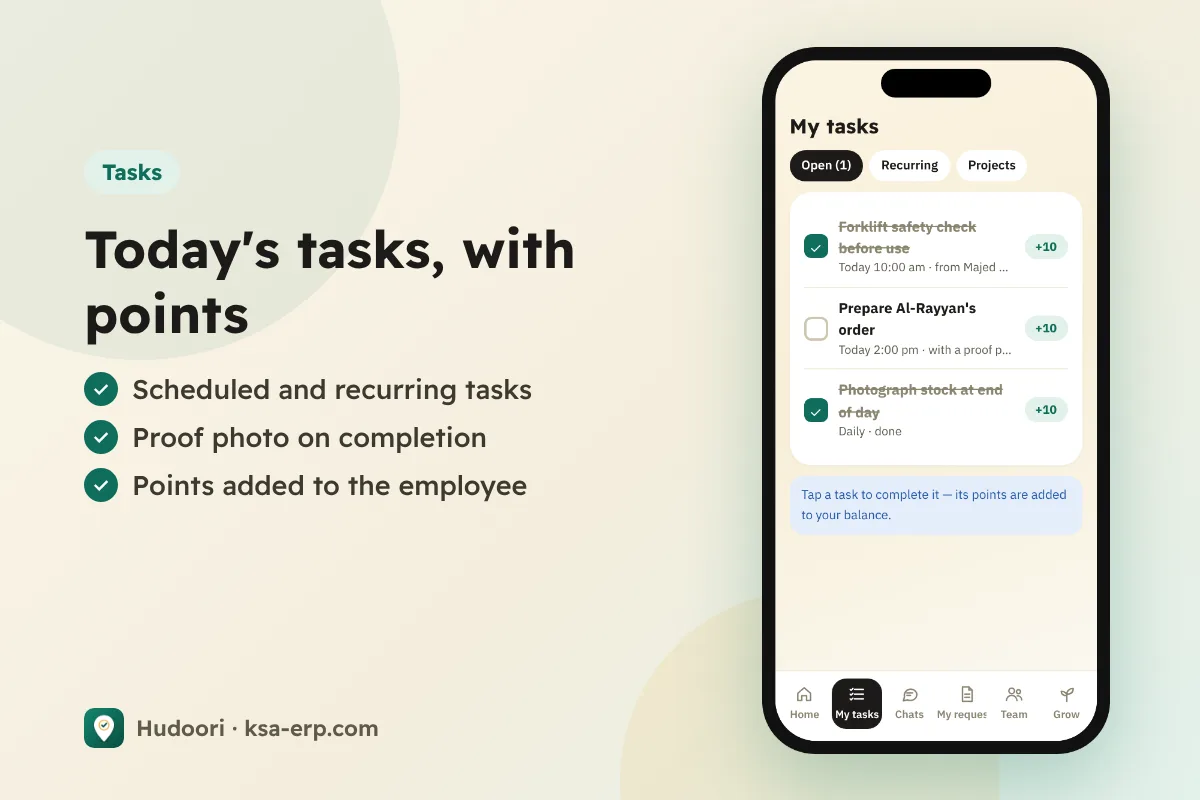
Pair tasks with points for clear motivation; see employee tasks and points.
A first-month plan
- Week 1: set up sites and geofences; enable location and selfie check-in.
- Week 2: explain the working-hours tracking policy to mobile teams, get consent, then enable it.
- Week 3: move daily jobs from WhatsApp and calls into scheduled, photo-verified tasks.
- Week 4: review daily logs with supervisors and fix unrealistic plans.
How Hudoori helps
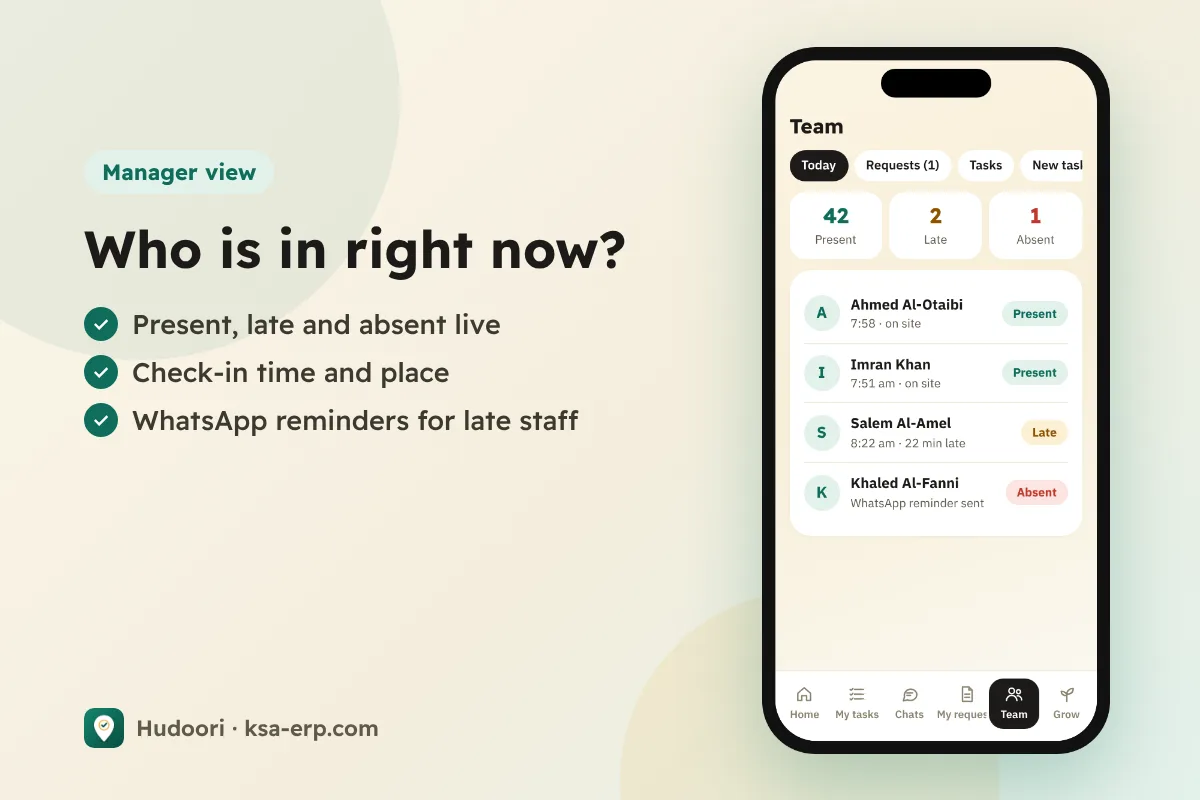
Hudoori brings all three together: geofenced check-in with live selfies per site, map tracking during working hours only with a privacy notice, consent, and a daily log per employee, plus field tasks with deadlines, photo proof, and recurring schedules.
Since field teams in Saudi Arabia are often multinational, the app runs in six languages and in-app chats are machine-translated, as covered in multilingual workforce communication. Supervisors can also call through the app without personal numbers.
Frequently asked questions
Can a business track employee location?
Good practice is tracking during working hours only, with clear notice and consent. For details, refer to HRSD and your approved work regulations.
Does tracking continue after check-out?
It shouldn't. Tracking is tied to working hours and ends at check-out.
Do I need tracking for every employee?
No. Staff at a fixed site only need geofenced check-in; tracking is for mobile teams.
Conclusion
Field management rests on check-in at the real site, fair working-hours tracking, and photo-documented tasks. Start simple, explain the purpose, and clear data will help both you and your best employees. To see it with your teams, request a free trial of Hudoori.