 Hudoori
Communicating with a Multilingual Workforce in Saudi Arabia
When your team speaks Arabic, Urdu, Hindi and Bengali, the problem is rarely the people; it is the channels. Here is a practical way to organize communication with a multinational workforce without the chaos of personal WhatsApp groups.
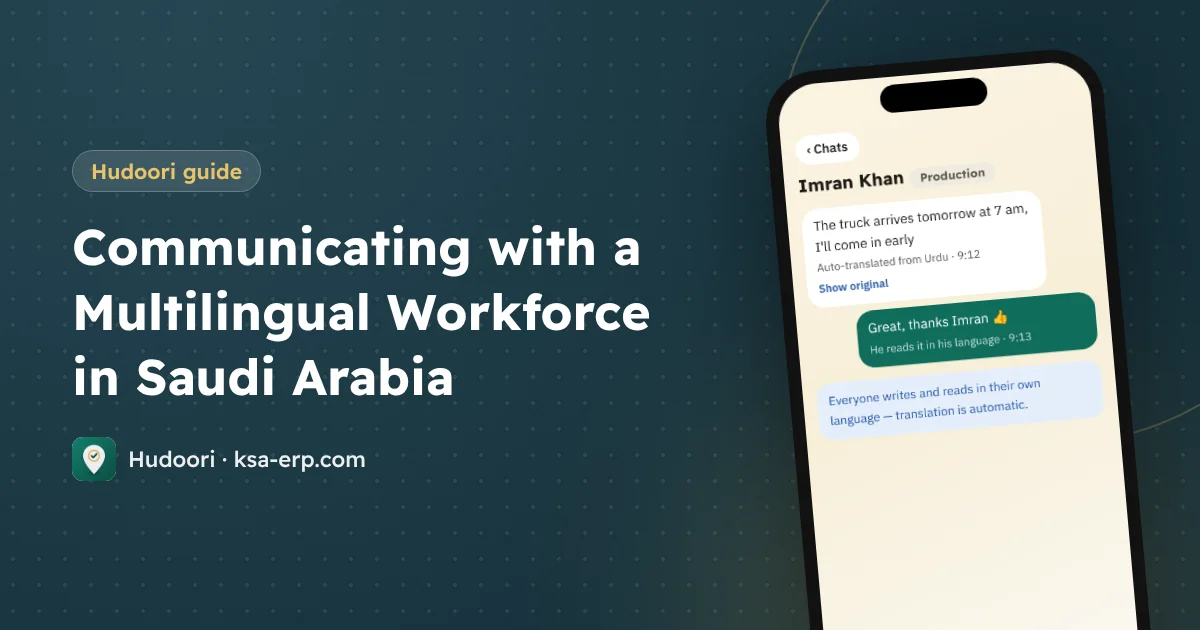
Communicating with a multilingual workforce works when every message reaches each employee in the language they actually read, through one official work channel rather than personal phone numbers. The practical answer is a work app that shows its interface in each employee's language, translates work chats automatically, and lets people call each other without sharing private numbers.
Why communication breaks down in mixed teams
In contracting, factories, maintenance and restaurants, one team can include a Saudi supervisor, an Egyptian foreman and workers from Pakistan, India and Bangladesh. It feels normal until the first costly mistake: a misunderstood safety instruction, or a worker who never heard his shift had changed. The causes are usually the same:
- Messages are written in the manager's language, not the language of the person doing the work.
- Workers hesitate to ask, so they say "okay" without understanding.
- Verbal instructions leave no record of what was said and when.
- Channels are scattered across calls, SMS, WhatsApp groups and notices on the wall.
The trouble with personal WhatsApp groups
Most companies start with a WhatsApp group per department. Easy and free, until the team grows:
- Everyone's personal number is visible to everyone, inviting messages outside working hours.
- When someone leaves, the chats, photos and files leave with them, and they may stay in the group if nobody removes them.
- Important messages get buried under greetings and forwarded videos.
- There is no translation, so someone ends up copying text into a translation app.
Simple rule: anything about work belongs in a channel the company owns, not on a personal phone.
Step one: an app in each employee's language
Can your Bengali worker understand the check-in screen or the leave form? If the app only speaks Arabic and English, probably not.
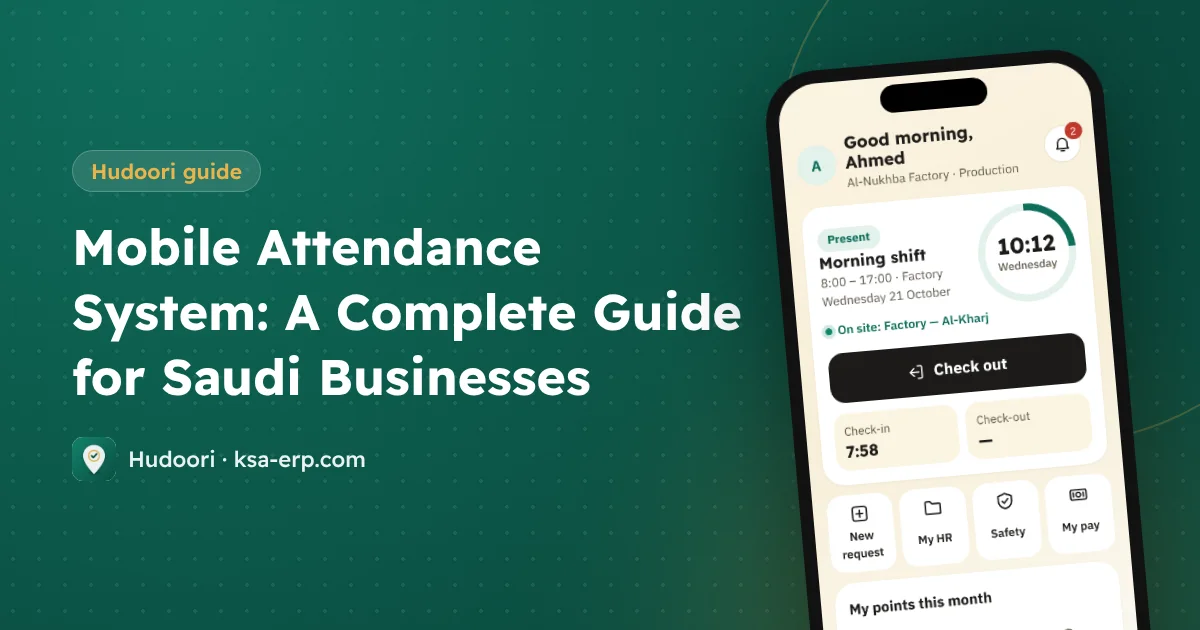
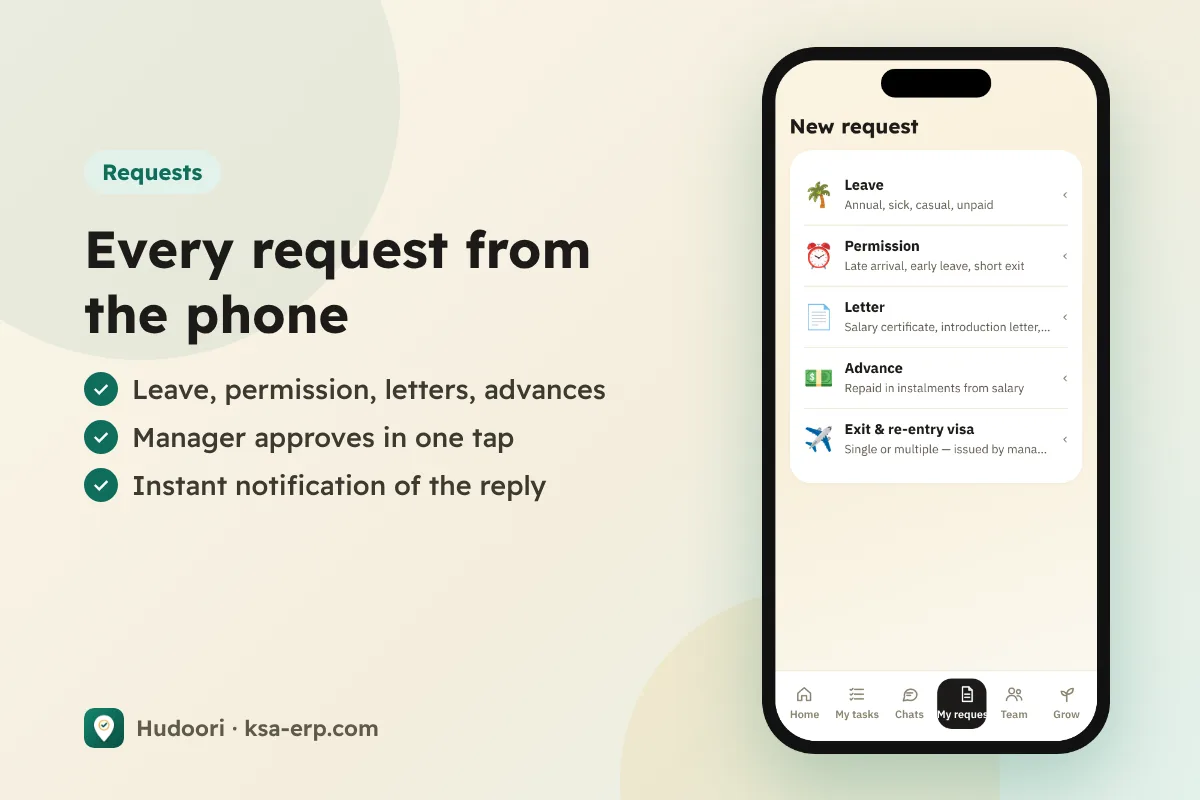
Hudoori runs in six languages: Arabic, English, Urdu, Hindi, Bengali and Turkish, and each employee chooses theirs. Workers check in, see their shift, request leave or permission and read their payslip in their own language. The manager dashboard comes in the same languages. For the bigger picture, see our guide to mobile attendance systems.
Work chats with automatic translation
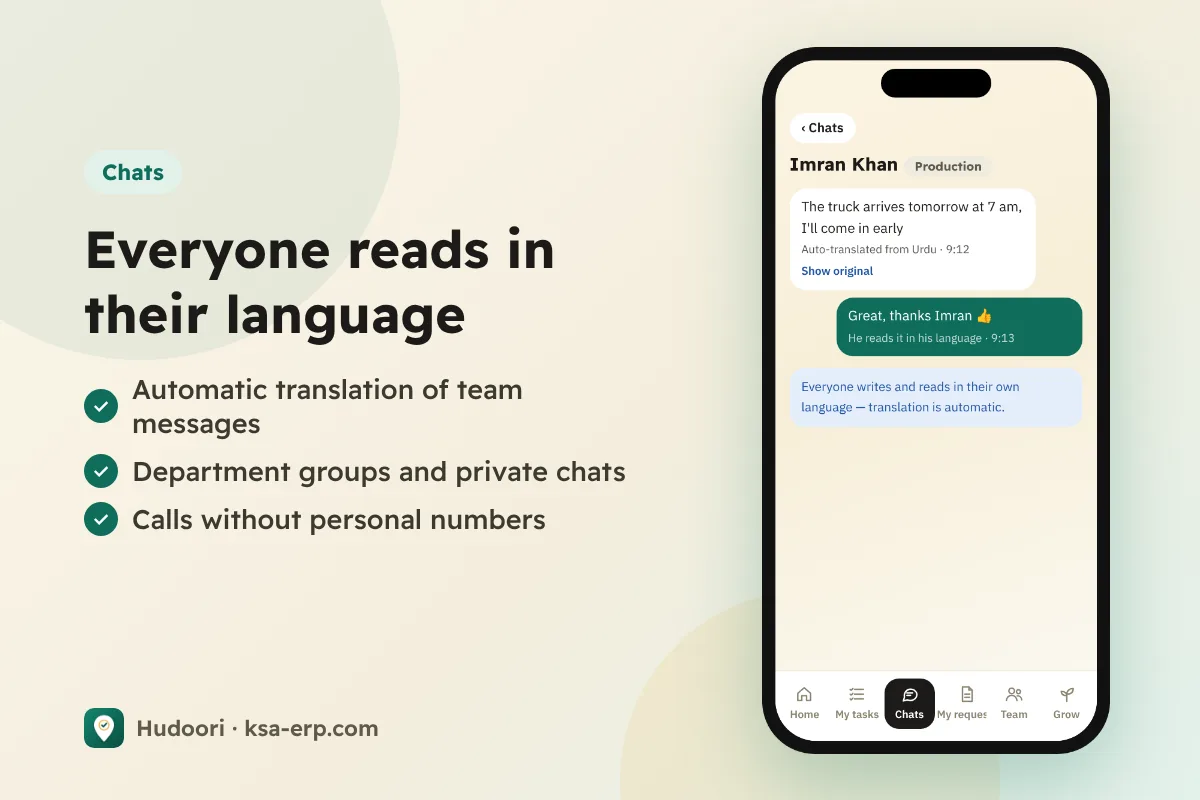
Step two is moving work conversations into the company app. Hudoori has department groups and private chats with photos and files, and everything people write is translated automatically, so each employee reads it in their own language.
Example: a site supervisor writes in Arabic, "Tomorrow we start at 6 AM at the client's site in Al-Narjis, bring the ladders." The Pakistani worker reads it in Urdu, the Indian worker in Hindi. When a worker replies in Urdu, "The big ladder is broken," the supervisor reads it in Arabic.
Getting better translations
- Write short sentences, one idea per message.
- State times, numbers and locations explicitly.
- Avoid local idioms that do not translate literally.
- Attach a photo whenever you can.
- For safety instructions, ask the worker to repeat back what he understood.
Calls without personal numbers
Voice calls inside Hudoori connect employees without revealing anyone's personal number. That protects privacy, and leavers do not take colleagues' numbers with them.
A two-week rollout plan
- List languages: note each employee's preferred reading language.
- Activate accounts: each employee receives an activation link on WhatsApp and picks a language.
- Create groups: one per team or site, with a responsible supervisor.
- Announce the rule: from a set date, official work instructions go through the app only.
- Run a ten-minute session on site to try a message, a photo and a call.
- Phase out old groups for work instructions.
To make sure nobody misses a shift start, pair the app with WhatsApp attendance reminders, and for field teams link instructions to trackable tasks and points.
FAQ
Is machine translation accurate enough for work instructions?
Very accurate for short, clear sentences. For sensitive instructions, add a photo and ask for confirmation.
Does the worker need a new phone?
The app runs on Android and also works from the phone's browser as a web app.
Can colleagues see each other's numbers?
No. Chats and calls inside the app do not need personal numbers.
Conclusion
A multilingual team is not the obstacle; scattered communication is. When each employee uses the app in their own language, work chats are translated automatically and calls happen without personal numbers, misunderstandings drop and work information stays with the company. Start with one team and see the difference: request a free trial of Hudoori.