 Hudoori
WhatsApp Attendance Reminders: Cut Absence Before It Happens
Much lateness and absence comes from forgetting, not negligence, and a WhatsApp reminder sent before an employee is marked absent fixes it quietly. A practical guide to WhatsApp for HR: reminders, activation links, owner reports and how to word messages.
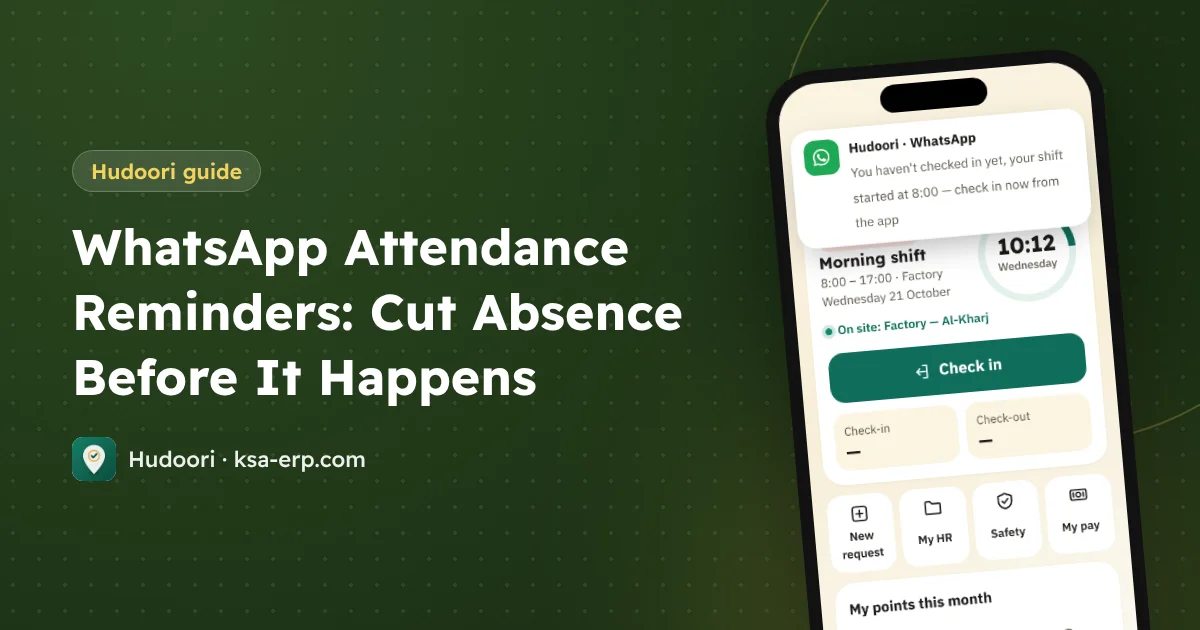
A WhatsApp reminder sent before an employee is marked absent is one of the simplest ways to reduce absence and lateness, because much of it comes from forgetting to check in or confusion about the shift, not from avoiding work. A short message from the company number at the right moment lets the employee act before a problem turns into a deduction.
Why employees show up as late or absent
Sort your absences and you will usually find four kinds:
- Forgot to check in: on site and working, but never opened the app.
- Confused about the shift: the schedule changed and he missed it.
- Late for a passing reason: traffic or transport, and told no one.
- Genuine unexcused absence: the only kind that needs HR action.
Reminders handle the first three easily. That also makes your data more honest, so you can deal firmly with real absence.
Why WhatsApp?
Because it is the app employees actually open. But there is a big difference between a supervisor texting from his personal phone every morning and a system sending automatically from the company number:
- It does not depend on anyone's mood and keeps running when the supervisor is on leave.
- It comes from the company number, so it reads as official.
- It goes only to those who need it: employees who have not checked in yet.
How reminders work in Hudoori
Hudoori sends an automatic WhatsApp reminder from the company number to an employee who has not checked in, before he is counted absent. Because the system knows each employee's shift and breaks, it knows who is actually late and who is off today.
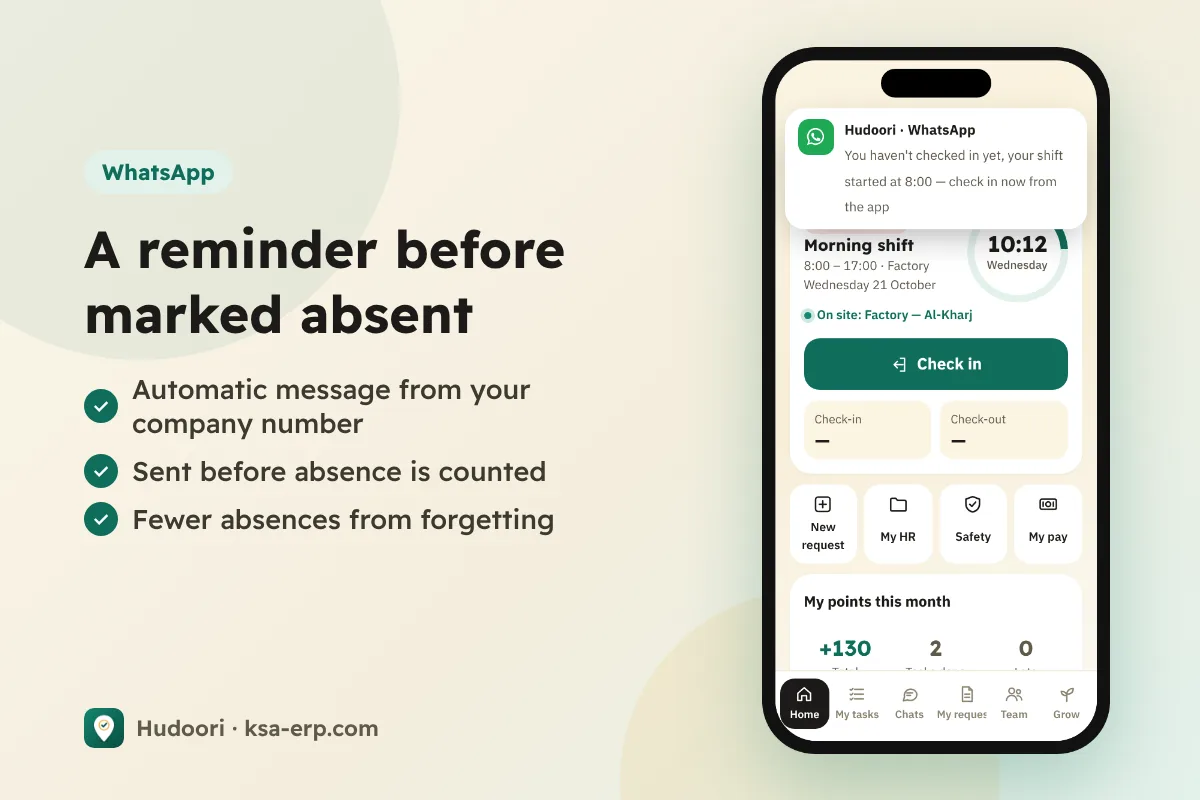
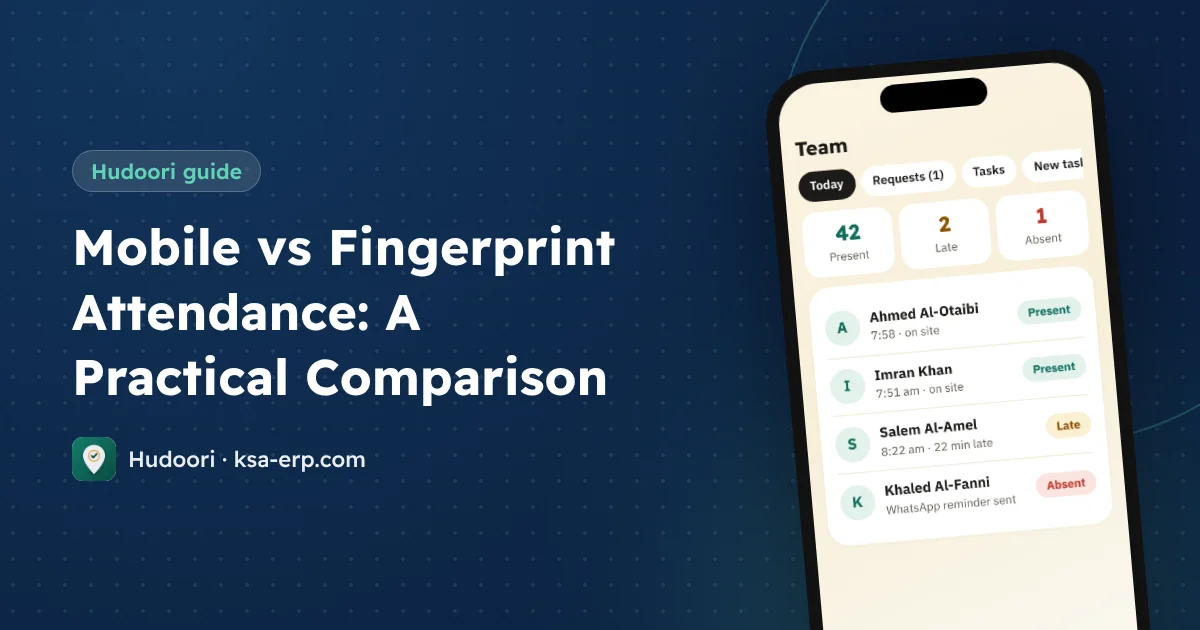
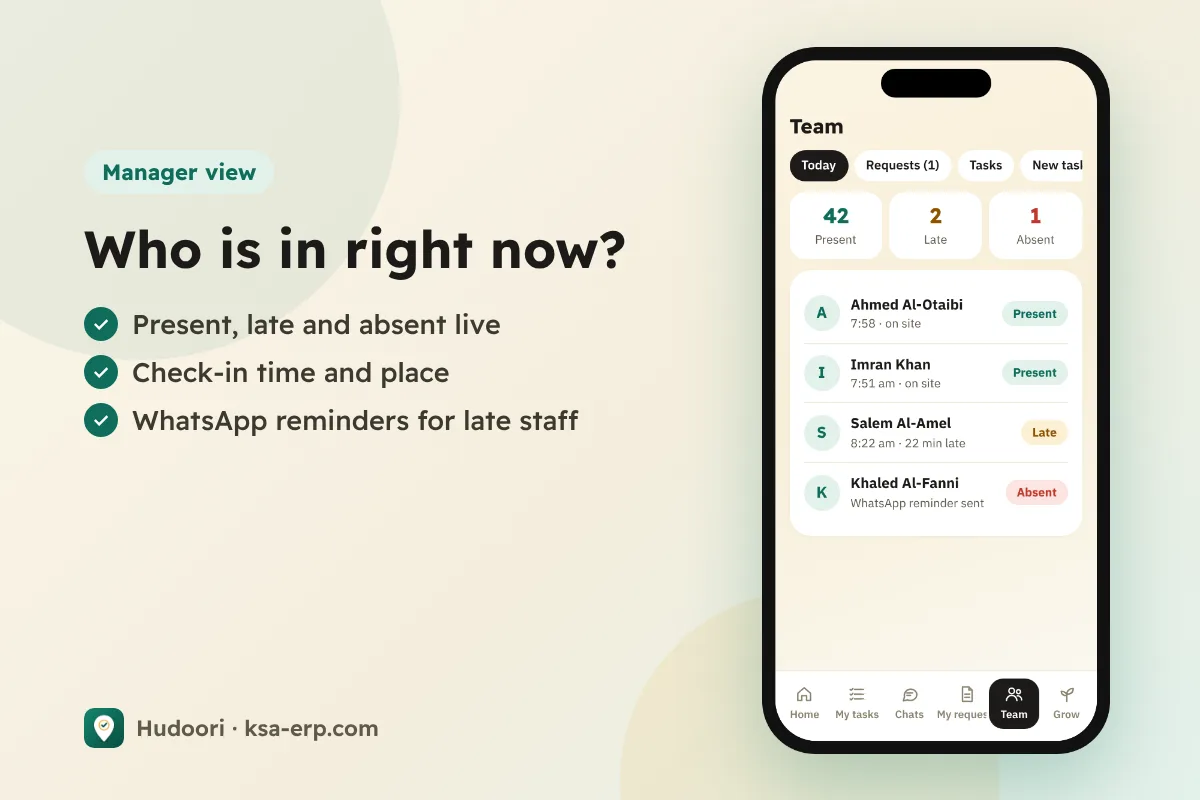
The employee then checks in from inside the site's geofence with a live selfie. If he really is late, lateness is calculated automatically according to your company settings, while the manager sees who is present, late or absent live on the team dashboard.
Other uses of WhatsApp in HR
Activation links
New employees receive their activation link on WhatsApp and start using the app without paper usernames or passwords, which helps when you import dozens of employees from Excel at once.
Scheduled owner reports
Owners do not open dashboards daily. Scheduled reports can reach them on WhatsApp, alongside the weekly AI report.
Best practices: timing and tone
Timing
- Not too early: a reminder two hours before the shift is forgotten and feels like surveillance.
- Not too late: after he is already marked absent, it has lost its value.
- Respect shifts: an evening-shift worker does not need a morning reminder.
- Mind Ramadan: working hours for Muslims drop to 6 a day or 36 a week, so update shifts before the month starts.
Tone
A reminder, not an accusation. Compare:
"You have not checked in. You will be marked absent."
"Good morning, your check-in for today's shift isn't recorded yet. If you're on site, please check in from the app now."
The second assumes good faith and gives one clear action, so employees welcome it instead of muting it.
Not a substitute for formal steps
An automatic reminder is a friendly nudge, not a written warning. Saudi labor law, for example, requires a written warning before dismissal for absence: after 20 scattered days or 10 consecutive days under Article 80. That follows its own path in your work regulations. For the numbers, read absence and lateness deductions.
Getting started in a week
- Update shifts so nobody gets a reminder that does not apply.
- Check WhatsApp numbers.
- Tell the team in advance that messages will come from the company number.
- Watch for two weeks: frequent reminders for one person may mean a conversation, or a wrong shift.
- Ask employees what they think of the wording.
For multinational teams, combine reminders with an app in each worker's language, as in communicating with a multilingual workforce.
FAQ
Is the reminder sent from my personal number?
No, it comes from the company number.
Does every employee get it daily?
Only employees who have not checked in yet, before they are counted absent.
Does it replace a written warning?
No. For details, refer to the Ministry of Human Resources (HRSD) and your company's work regulations.
Conclusion
A simple WhatsApp reminder, well timed and politely worded, turns many absences into attendance, makes your data more accurate and saves supervisors their morning messages. Try it with your team: request a free trial of Hudoori.