 Hudoori
HR Records and Document Expiry Tracking: A Practical Guide
How to run employee affairs from day one to the final settlement: the employee file, tracking iqama and document expiry, company assets, probation, reviews, violations and exit clearance. A practical guide with ready checklists.
Employee affairs covers everything that happens after the contract is signed: the employee's file and documents, the assets they receive, probation and reviews, any violations, and finally a clean exit with clearance and final settlement. The real problem is usually scattered records: paper folders, Excel sheets and WhatsApp groups, until an iqama expires unnoticed.
Here is the full employee lifecycle, with practical steps for each stage.
The employee file comes first
A good employee file holds at least:
- Basic data: name, ID or iqama number, nationality, mobile, work site or branch.
- Contract data: start date, contract type, job title, basic salary and allowances.
- Documents: ID or iqama copy, passport, signed contract, certificates, driving licence where needed, and any professional permits.
- History: leave, permissions, advances, violations, reviews and assets held.
Track iqamas and documents before they expire
An expired iqama can stop someone working overnight. Renewing is rarely the problem; remembering in time is.
- Collect every document that has an expiry date in one place: iqama, passport, driving licence, health or professional certificates, medical insurance.
- Record the expiry date, not just a scan. A scan never reminds you.
- Set a lead time long enough to complete the renewal for each document type.
- Review the "expiring soon" list weekly, with an owner and a deadline for each case.
- Upload the renewed copy immediately and update the date.
Example: 40 workers across three sites. Instead of searching a spreadsheet, you see one list of upcoming expiries, nearest first.
Company assets: hand over and take back on record
Phones, laptops, vehicles, tools and safety gear are all assets. Without records, getting them back is guesswork.
- Register each asset against the employee with its description, condition and handover date.
- Attach a photo at handover, especially for vehicles and devices.
- Make returning assets a required step in exit clearance.
Onboarding and probation: up to 180 days that matter
A simple onboarding checklist:
- Create the attendance account and send the activation link before day one.
- Hand over and register the required assets.
- Walk through the company's approved work regulations: hours, permissions, leave and violations.
- Assign a direct supervisor for the first weeks.
- Set clear probation goals to review against.
Since the 2025 Labor Law amendments, probation can last up to 180 days, with the actual length set in the contract. The common mistake is letting it pass with no documented review.
Reviews and violations: fairness starts with records
Regular reviews make decisions rest on evidence, and recorded attendance and task data keeps them objective. See employee tasks and points for linking tasks to motivation.
Violations and penalties follow the schedule in your company's approved work regulations, within some key limits:
- A fine for a single violation cannot exceed five days' wage, and no more than five days' wage per month can be deducted for fines.
- Total deductions cannot exceed half of the wage due, except by decision of the competent authority.
- Record each violation with date, details and action taken.
For calculating absence and lateness deductions, read absence and lateness deductions.
Exit: clearance and settlement without surprises
- Receive the notice formally and record its date. After the 2025 amendments, notice for open-ended contracts is 30 days from the employee and 60 days from the employer.
- Start clearance early: assets, finance and the supervisor each confirm nothing is outstanding.
- Calculate the settlement: salary to the last day, leave balance, remaining advance instalments and other dues under the law and contract.
- Issue the letters needed, such as an experience certificate.
- Close and archive the file.
For details, check with the Ministry of Human Resources (HRSD) and your company's work regulations.
How Hudoori helps
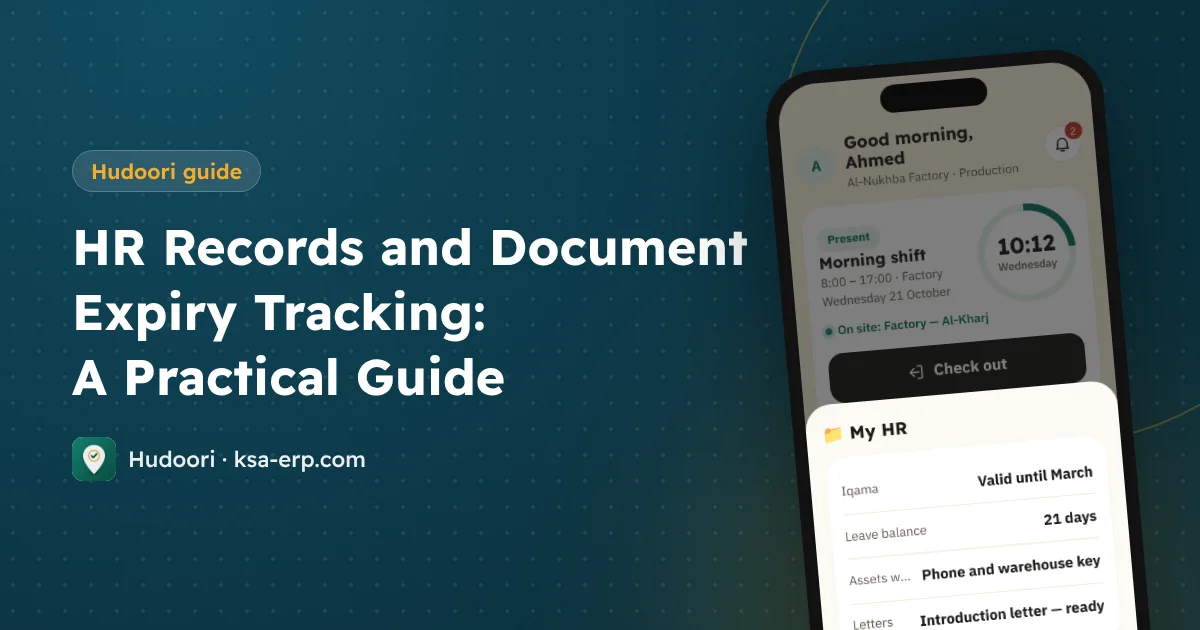
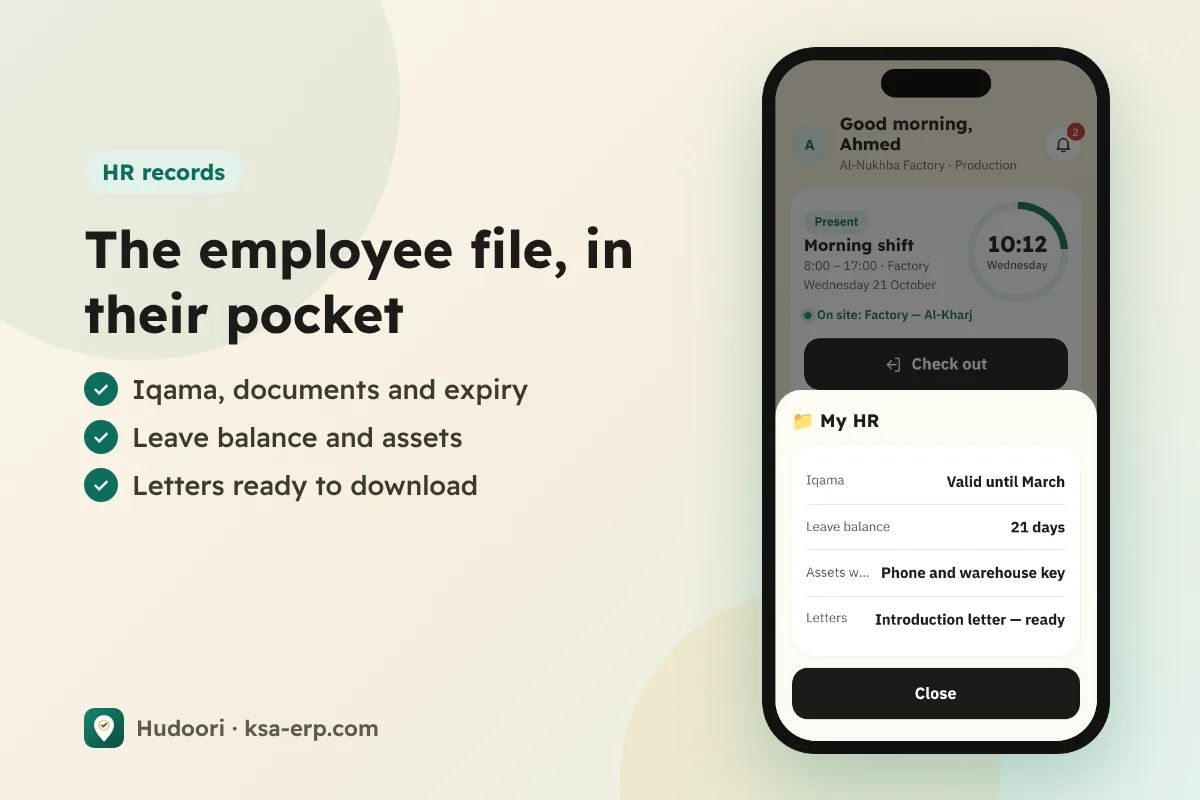
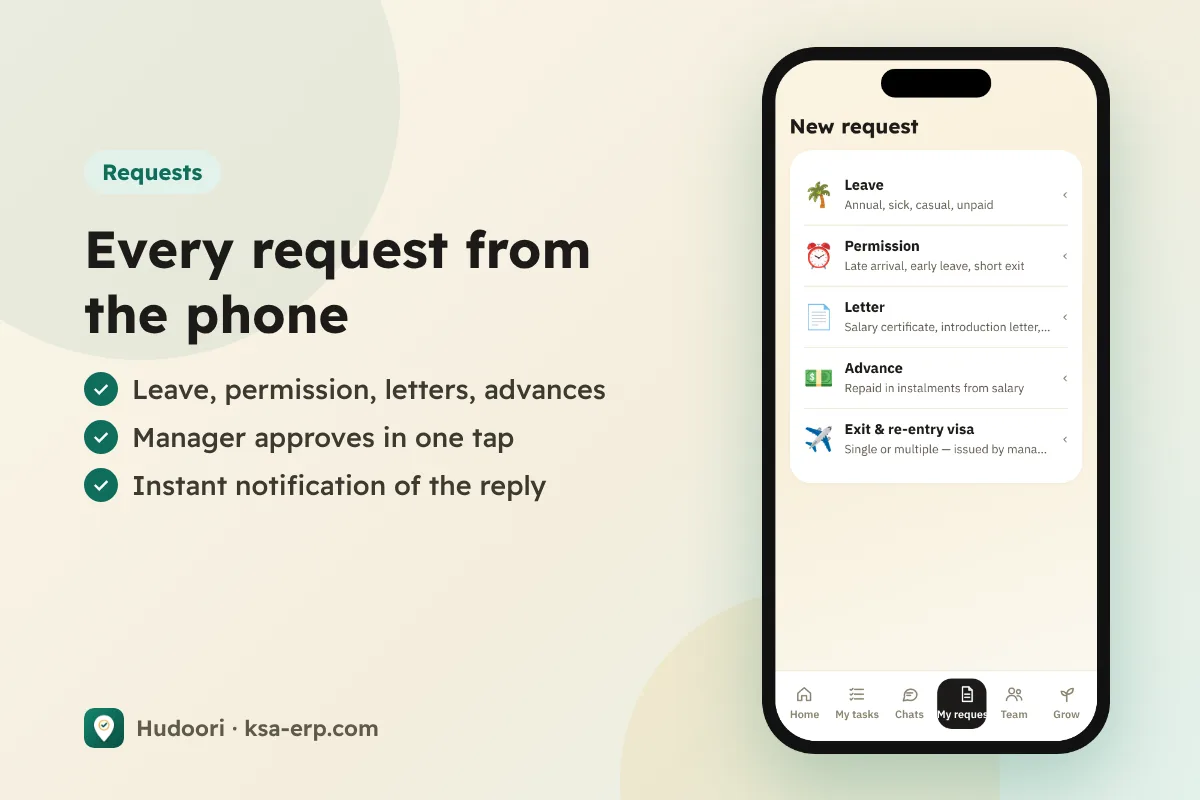
In Hudoori each employee has one file holding their documents with expiry tracking, plus assets, violations and penalties, onboarding and probation, performance reviews, and exit with clearance and final settlement. From their phone, employees see their iqama, leave balance and assets, and request an introduction letter, experience certificate or data update; the manager approves with one tap.
For the bigger picture, start with our mobile attendance system guide.
FAQ
Which documents should we track most closely?
Iqama and passport first, then driving licences, professional or health certificates, and medical insurance.
How long is probation after the 2025 amendments?
Up to 180 days, with the actual length set in the contract.
Can a lost asset be deducted from salary?
Deductions are regulated and capped; check your work regulations and HRSD first.
Can employees request an experience certificate from their phone?
Yes. In Hudoori it is issued on company letterhead after approval.
Summary
Organized employee affairs means one file per employee, documents tracked before expiry, recorded assets, reviewed probation and a clean exit. Start with expiring documents; they carry the most risk. To see it with your own team, request a free trial.