 Hudoori
How to Choose Attendance Software: 10 Questions Before You Buy
Before buying attendance software, ask these ten questions about anti-fraud, offline use, languages, payroll, privacy, branches, integration and support. Includes a ready checklist to take into any demo.
The best attendance software is not the one with the most features or the lowest price, but the one that fits your branches, field teams, workers' languages and payroll. Walk into the demo with specific questions, not just admiration for polished screens.
These ten questions will tell you in one session whether a system fits. A short checklist follows.
Accuracy and reliability
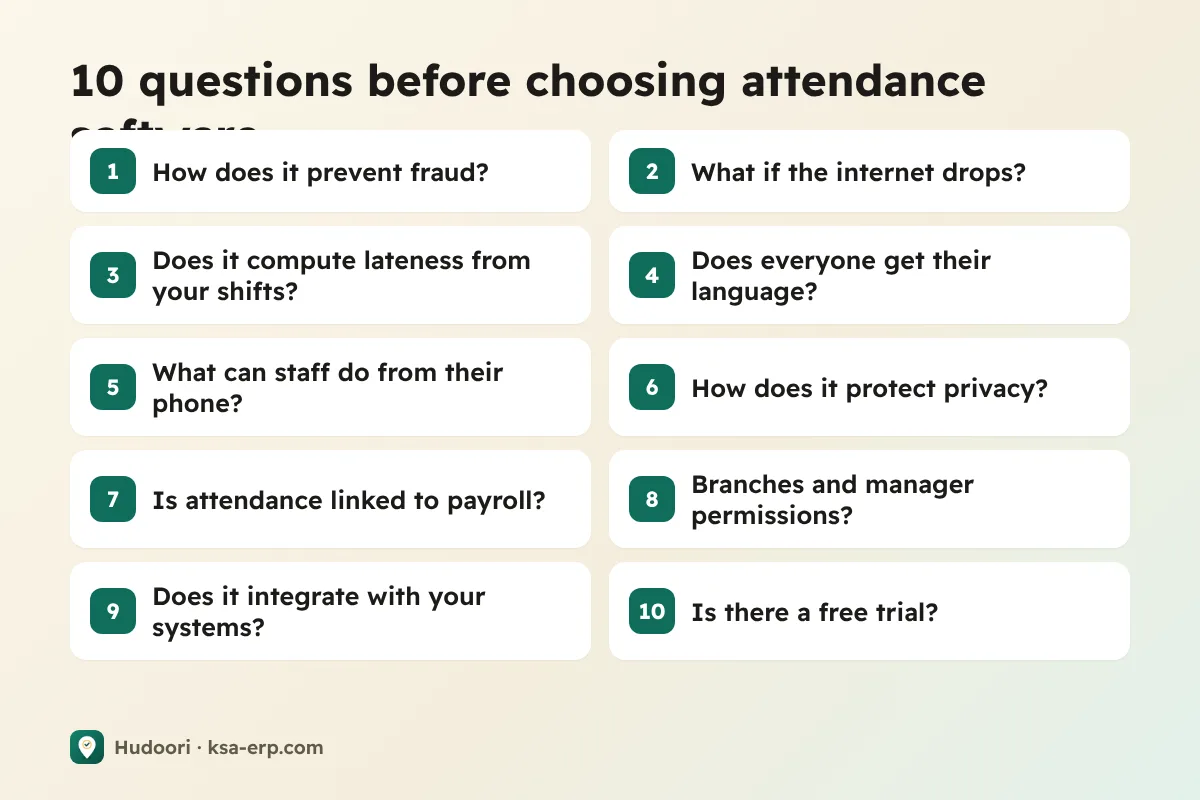
1. How does it prevent attendance fraud?
If employees can clock in from home or for a colleague, every report is worthless. Ask:
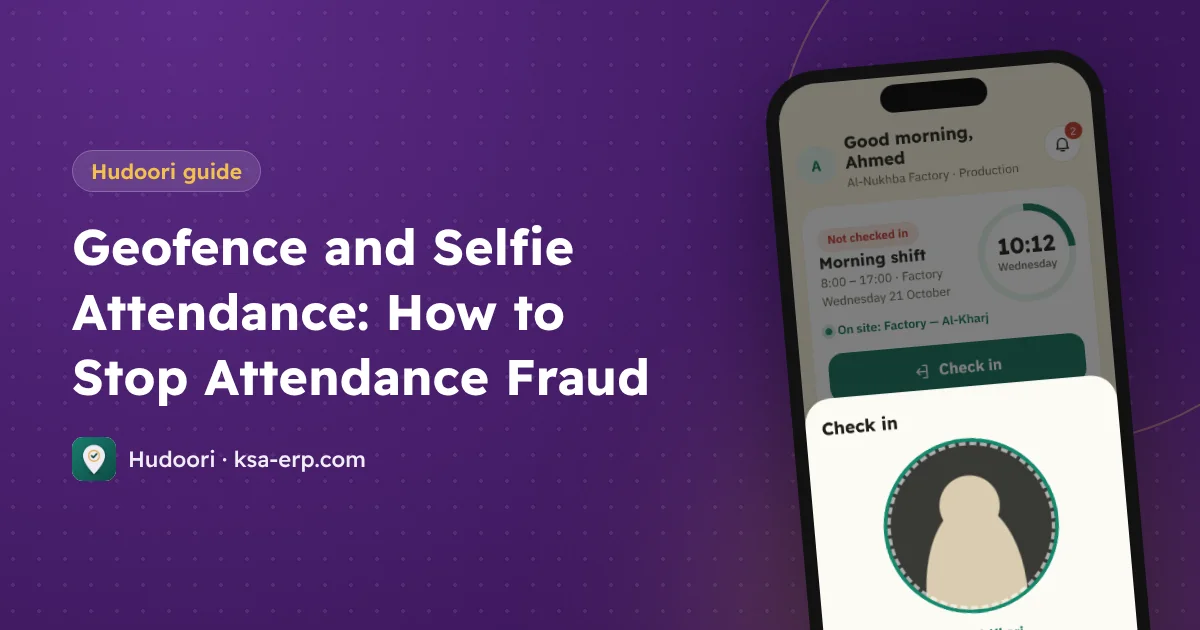
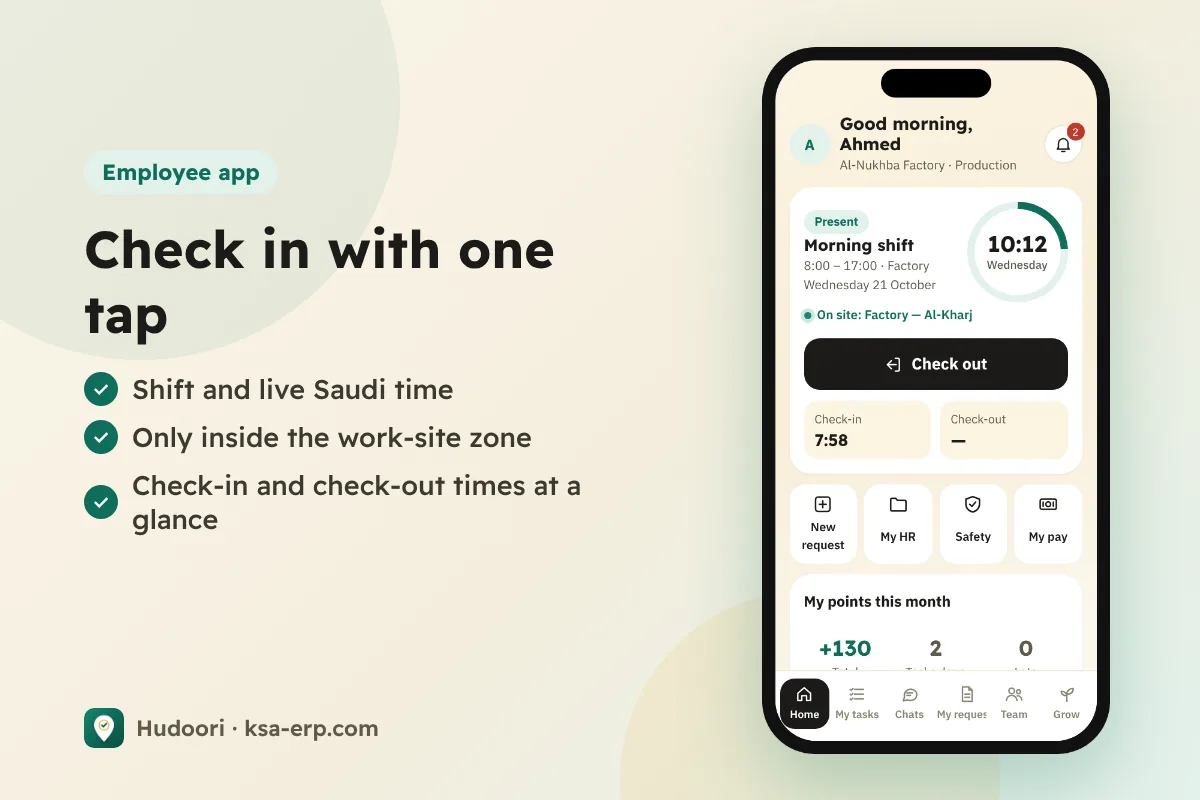
- Is check-in accepted only inside the work site's geofence, with a separate zone per branch?
- Is a live selfie taken straight from the camera, or can an old gallery photo be uploaded?
- Is stronger verification available when needed, such as face matching with a liveness check?
More in geofence and selfie attendance.
2. What happens when the internet drops?
On remote sites connectivity is not guaranteed. Good software stores the check-in on the phone and sends it with the correct time once the connection returns, instead of marking the employee absent.
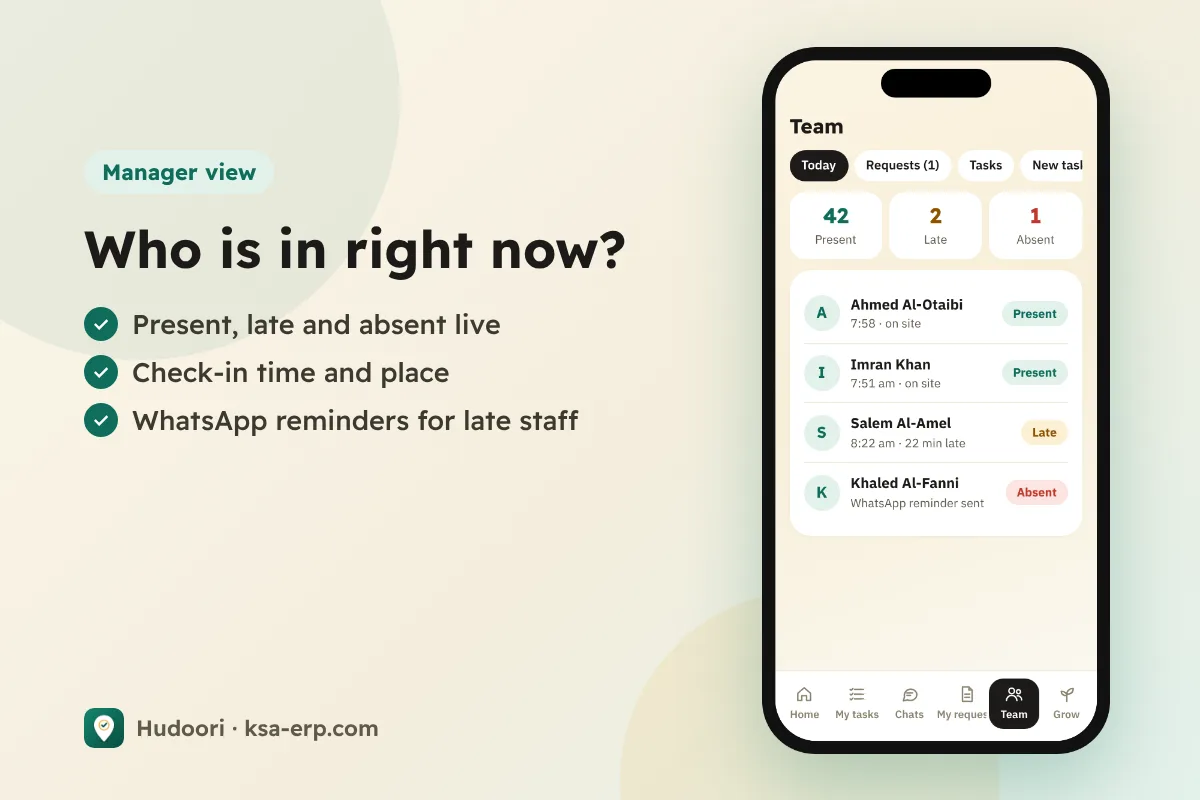
3. Does it calculate lateness and absence automatically from your shifts?
Ask about different shifts and breaks, and whether each employee can have their own. Then ask for a live example: an employee 20 minutes late, how does it show in the report?
Employees and teams
4. Can every employee use the app in their own language?
With a multinational workforce, an Arabic-and-English-only app means endless calls and mistakes. Ask which languages exist inside the app itself.
5. What can employees do from their phone?
If the app only clocks people in, everything else stays on paper. Better if employees can request leave, permissions, letters or advances from their phone, managers approve with one tap, and employees see their payslips.
6. How does it handle privacy?
If it tracks location, ask: only during working hours? Do employees see a privacy notice and give consent? Workers who feel watched after hours will not cooperate.
Management and money
7. Does it connect attendance to payroll?
Are lateness, absence and overtime calculated automatically from your settings? Does it produce the Mudad wage protection file? Are advance instalments deducted automatically? See payroll from attendance.
Deductions are regulated; for example, total deductions cannot exceed half the wage due except by decision of the competent authority. Make sure the settings follow your company's work regulations.
8. Does it support your branches and manager permissions?
Can you run several companies and branches from one account? Does a branch manager see only their own staff? Can you import employees from Excel?
9. Does it integrate with your other systems?
Ask about payroll accounting entries, and about an API and webhooks if you have internal systems. Above all: who owns the data, is it encrypted, is it backed up daily, and can you take it with you if you switch?
10. What is support like, and is there a free trial?
Ask about support channels, language and response time, and test them during a free trial on your real employees. Never buy without one.
Checklist before you sign
- Check-in only inside the geofence, per branch.
- Live camera selfie, with optional face matching.
- Works offline and syncs with the correct time.
- Per-employee shifts and breaks, automatic lateness and absence.
- App available in your workers' actual languages.
- Leave, permission, letter and advance requests from the phone.
- Tracking during working hours only, with privacy notice and consent.
- Payroll link and Mudad file.
- Multiple branches and companies, manager permissions, Excel import.
- Encrypted data, backups and clear data ownership.
- A free trial with real employees.
- No extra hardware to maintain, if you prefer that; compare in mobile vs fingerprint attendance.
Where Hudoori stands
We built Hudoori around these same questions: mobile check-in inside the geofence with a live selfie and optional strict verification, offline mode, an app in six languages including Urdu, Hindi and Bengali, employee requests from the phone, payroll linked to attendance with a Mudad file and entries to the Qoyod accounting software, multiple companies and branches with permissions, encryption with a daily off-server backup, and data that belongs to you. Pricing depends on employee count and the features you pick in "Build your plan". Do not take our word for it; test it with the same ten questions.
FAQ
Do I need a fingerprint device with mobile attendance?
No. Mobile attendance uses the employee's phone with location and a live selfie, with no devices or wiring.
How long does setup take?
It varies by product. Hudoori sets up in minutes, and you can import employees from Excel.
Which of the ten questions matters most?
Fraud prevention. Reports and deductions built on unreliable data are worthless.
Summary
This choice affects payroll and discipline for years, so do not decide from a sales deck. Ask the ten questions, use the checklist and test with real employees. To start with Hudoori, request a free trial and compare for yourself.